Expert Setup Guides & Tutorials
Master your server with our extensive library of game server setup guides, mod installation tutorials, and troubleshooting steps.
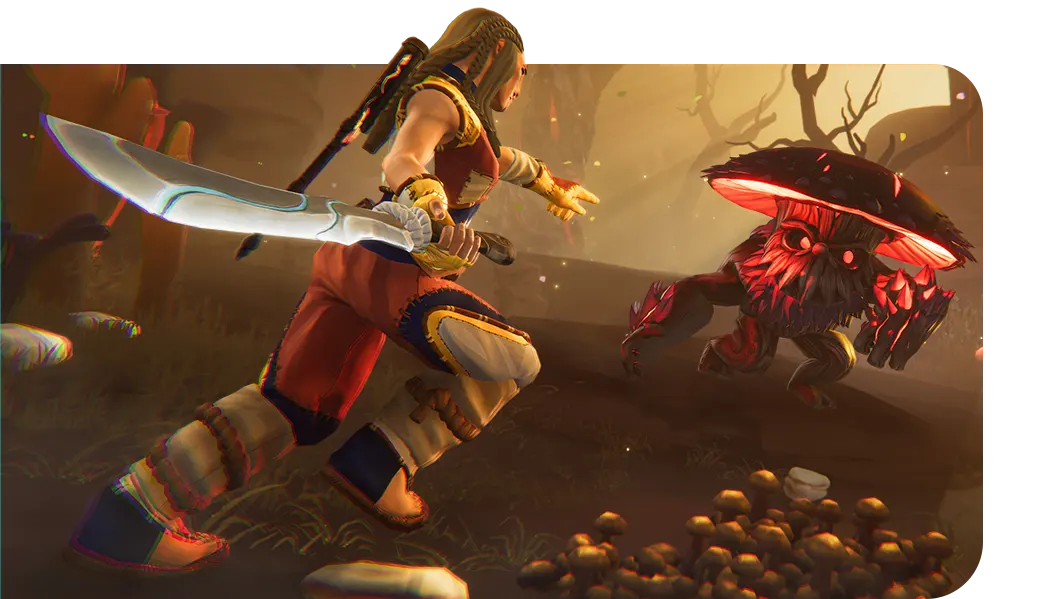
Rent a dedicated Aloft server that keeps your floating islands online 24/7, so friends can join without anyone hosting from a PC. Instant setup on NVMe hardware with DDoS protection, automatic backups, and a 6-digit room code from the panel. Choose a plan below to go live.
 Instant Setup
  24/7 Dedicated World
  NVMe Hardware
  DDoS Protection
Reliable Starter Servers
4GB
Save 20% with annual billing

Balanced Server Power
5GB
Save 20% with annual billing

Ultimate Server Performance
6GB
Save 20% with annual billing

Starting at $4.00/month
4GB - 48GB
Save 20% with annual billing
See the performance difference and choose the best server for your needs.
Compare PlansEverything you need to rent a dedicated Aloft server that keeps floating islands online when nobody is hosting — then join with a room code instead of SteamCMD and port forwarding.
Your islands, skyship, and co-op progress stay online 24/7. Friends join in shifts without a listen-server host leaving their PC running.
The Aloft dedicated server deploys as soon as payment clears. No SteamCMD, PowerShell scripts, or port forwarding — pick a plan and go live in minutes.

Start the server, copy the 6-digit room code from the Blacksmith's Portal console, then join from Multiplayer in-game. No IP and port hunting.
Change player count, visibility, and other load settings from Startup in the Blacksmith's Portal, then restart. Default slot count is 8.
Automatic backups every 12 hours, kept for 5 days, plus manual backups before you change settings or restore a world.
NVMe storage, high-performance CPUs, global locations, and included DDoS protection so the dedicated world stays reachable.
Deploy your game server from any of our 11+ locations for the best ping and performance.






About Aloft
A listen server dies when the host logs off. Rent a dedicated Aloft server and the floating islands stay online so your group can sail, build, and restore the ecosystem in shifts — no port forwarding, no leaving a PC running overnight. AleForge deploys the server as soon as checkout finishes. You get NVMe storage, included DDoS protection, a 99.9% uptime target, and the Blacksmith's Portal to set player count (default 8), copy the 6-digit room code from the console, and restore backups taken every 12 hours. Customers rate AleForge 4.8/5 from 162 reviews. Choose a plan above to go live, or use Help Me Choose if you want a recommendation. After checkout, start the server, copy the room code, open Aloft, click Multiplayer, and enter the code.
Our dwarven-forged panel sets the standard for game server management. With powerful support and fair pricing, running your server has never been easier.

Monitor Your Server CPU, Memory, And Network Performance Instantly To Spot Issues Before They Become A Significant Concern.
Automatically backup your server data to secure offsite locations and restore with one click whenever needed.
Install popular mods and plugins instantly with our one-click installer. No technical knowledge required.
Easily swap between supported games with zero downtime and no additional cost.
Host Over 20 Games Instantly With AleForge, Powered By High-Performance Hardware And 24/7 Expert Support.
Start Your ServerHardware For Every Budget No Performance Compromises. Need Ultimate Power For Modded Mayhem? We have Got You Covered.


How Fast Your Server Changes To The Game Process.

2.5 GHz Base Clock or Better

3.4 GHz Base Clock or Better
4.0 Ghz Base Clock or Better
How Fast Your Server Changes To The Game Process.
2.5 GHz Base Clock or Better
3.4 GHz Base Clock or Better
4.0 Ghz Base Clock or Better
Higher performance improves server stability, reduces latency, enhances security, and smoother, lag-free gaming experience for all players. Our game server hosting solutions are optimized for maximum speed and efficiency. CPU/Processors are optimized for maximum efficiency.
Holds The Data That Is Regularly Used To Keep Track Of All The Monsters You Kill.
DDR4 3200 MHz
DDR4 3200 MHz
DDR5 ECC 4800-6000 MHz
Holds The Data That Is Regularly Used To Keep Track Of All The Monsters You Kill.
DDR4 3200 MHz
DDR4 3200 MHz
DDR5 ECC 4800-6000 MHz
Higher performance improves server stability, reduces latency, enhances security, and smoother, lag-free gaming experience for all players. Our game server hosting solutions are optimized for maximum speed and efficiency. Memory are optimized for maximum efficiency.
Controls How Fast The Large Portions Of Your Games Data Loads.
Enterprise NVMe SSD (3500 MB/S)
Enterprise NVMeSSD (5000 MB/S)
Samsung NVMe (7000-10,000 MB/S)
Controls How Fast The Large Portions Of Your Games Data Loads.
Enterprise NVMe SSD (3500 MB/S)
Enterprise NVMeSSD (5000 MB/S)
Samsung NVMe (7000-10,000 MB/S)
Higher performance improves server stability, reduces latency, enhances security, and smoother, lag-free gaming experience for all players. Our game server hosting solutions are optimized for maximum speed and efficiency. SSD are optimized for maximum efficiency.
Max Players Allowed In Your Server.
Unlimited
Unlimited
Unlimited
Max Players Allowed In Your Server.
Unlimited
Unlimited
Unlimited
How CPU Resources Are Capped Across Plan Tiers.
4 vCPU Cores
Unlimited CPU
Unlimited CPU
How CPU Resources Are Capped Across Plan Tiers.
4 vCPU Cores
Unlimited CPU
Unlimited CPU
How Much Storage Capacity Is Available Per Tier.
40 GB NVMe SSD
60 GB NVMe SSD
Unlimited Storage
How Much Storage Capacity Is Available Per Tier.
40 GB NVMe SSD
60 GB NVMe SSD
Unlimited Storage
Number Of Backups You Can Create Per Server.
2
4
6
Number Of Backups You Can Create Per Server.
2
4
6
Worldwide Sites To House Your Game Server.
3 Locations
7 Locations
5 Locations
Worldwide Sites To House Your Game Server.
3 Locations
7 Locations
5 Locations
Technical Strength
Stop paying extra for basic defense. At AleForge, every game server includes enterprise-grade strong security protection and performance as standard.
We stop malicious traffic up to 348 Tbps, proactively ensuring your community stays online and completely safe from all known attacks.
Smart routing gives you 10-30% faster routes, dramatically reducing ping and connection stability issues.
Our custom firewall rules and panel updates help protect against common game exploits and server crashing attempts.
This premium-level protection and performance package is integrated at no extra cost, unlike competitors who charge a premium.

Verified AleForge Customer
I had a great experience, also there was support guy that helped me a lot. Thanks!

Verified AleForge Customer
Just keep being awesome like you did when Palworld first came out.

Verified AleForge Customer
Very helpful and approachable. Great customer service

Verified AleForge Customer
The game server performance is excellent, however I am having issues with the network. Some games are jittery feeling some of the time.

Verified AleForge Customer
This service is really great!

Verified AleForge Customer
Got my server running quickly and it works perfectly

Verified AleForge Customer
Without the video on Youtube, I wouldn’t have known how to install the mods correctly. Everything else is perfect 🙂

Verified AleForge Customer
Amazing service!! Control panel easy to use. Got all I need for server hosting for a good cost, thank you!! =D

Verified AleForge Customer
Great hosting service with an active support team!

Verified AleForge Customer
The support team responds quickly and efficiently to resolve issues. The server is stable for its price, making it a great deal overall.
Verified AleForge Customer
I had a great experience, also there was support guy that helped me a lot. Thanks!
Verified AleForge Customer
Just keep being awesome like you did when Palworld first came out.
Verified AleForge Customer
Very helpful and approachable. Great customer service
Verified AleForge Customer
The game server performance is excellent, however I am having issues with the network. Some games are jittery feeling some of the time.
Verified AleForge Customer
This service is really great!
Verified AleForge Customer
Got my server running quickly and it works perfectly
Verified AleForge Customer
Without the video on Youtube, I wouldn’t have known how to install the mods correctly. Everything else is perfect 🙂
Verified AleForge Customer
Amazing service!! Control panel easy to use. Got all I need for server hosting for a good cost, thank you!! =D
Verified AleForge Customer
Great hosting service with an active support team!
Verified AleForge Customer
The support team responds quickly and efficiently to resolve issues. The server is stable for its price, making it a great deal overall.
Find answers to common questions about high-performance game server hosting, server management, DDoS protection, and game hosting features. Still need help? Our 24/7 expert support team is always ready to assist with reliable solutions.
Need a guide for your next quest? Reach out to our friendly team and we will help you level up your server.
Talk To Our TeamNeed a guide for your next quest? Reach out to our friendly team and we will help you level up your server.
Talk To Our TeamHosting Support & Resources
Take control of your hosting. Access our setup guides, real-time status tracker, and expert knowledge base to keep your game servers running flawlessly.
Master your server with our extensive library of game server setup guides, mod installation tutorials, and troubleshooting steps.
Get instant answers to the most common questions about game server hosting, billing, configurations, and strong account security.
Monitor real-time network performance, track server uptime, and stay informed on our latest hardware maintenance.
Take full control of your hosting environment. Monitor performance and manage resources effortlessly with our intuitive management tools.
Signal our support guild for help with your server setup, or consult the archives for solutions to common technical issues.

