
A good seed saves you the first hour of every new world. Instead of wandering around looking for a village or a decent place to build, you spawn near wood, food, and loot and get straight to playing.
These are five Java Edition seeds worth trying for a survival world or a server with friends. Each one is listed for Java 26.2 or the most recent releases.
Quick list
| Seed | Best for | |
|---|---|---|
| 1 | 302304127329527063 |
Beginner-friendly start |
| 2 | 6006216005338798975 |
Exploring with friends |
| 3 | 3806707291501128365 |
Building in a cherry grove |
| 4 | -8127986865150663286 |
Balanced all-round survival |
| 5 | 8888947383120075748 |
A tougher start |
1. The beginner start
Seed: 302304127329527063
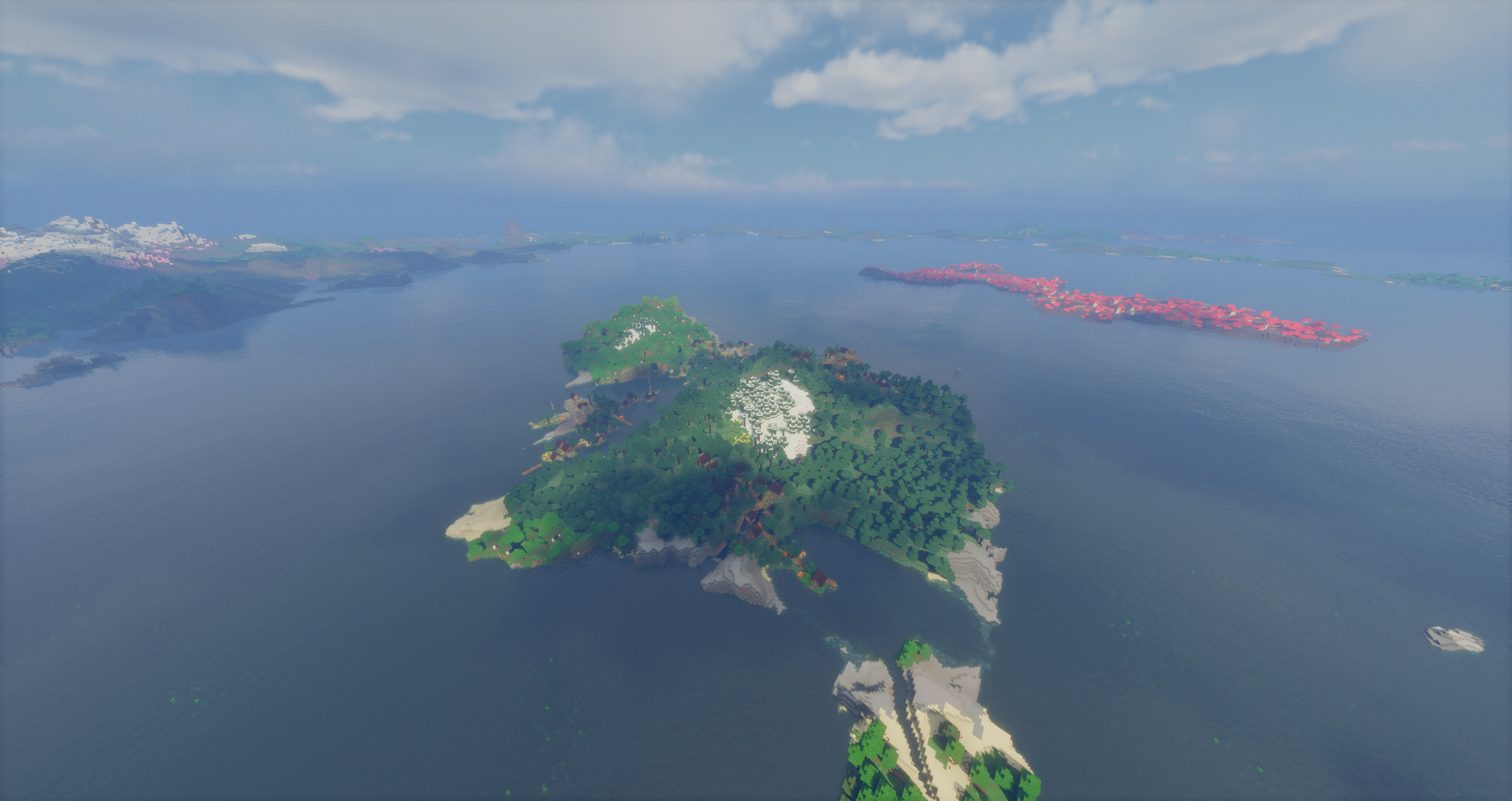
You spawn in a taiga with four villages and a mineshaft close by. That means food, beds, tools, and early loot without much travel, which makes it a good pick for a first survival world or for friends who are new to the game.
2. The structure-heavy world
Seed: 6006216005338798975
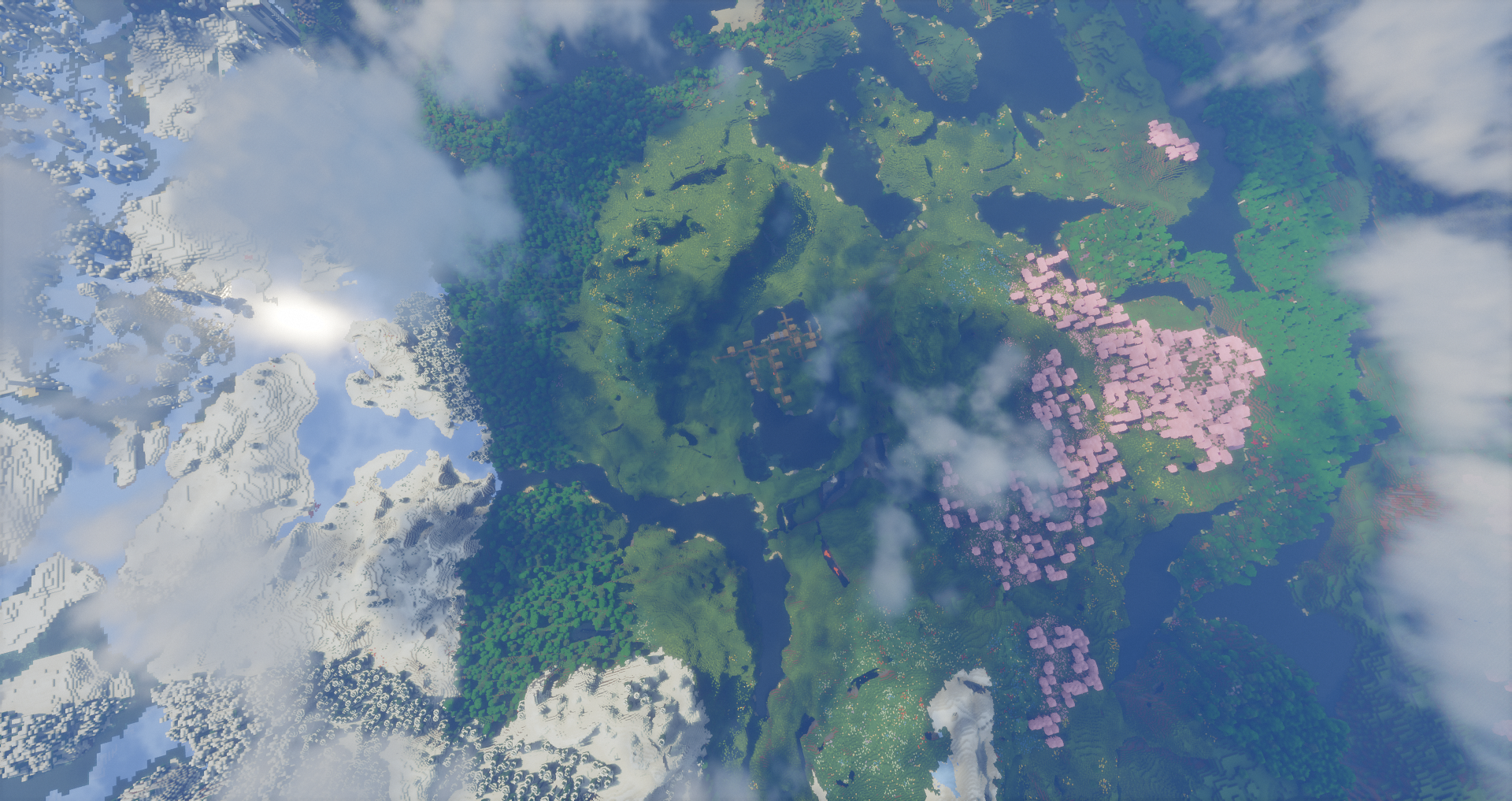
This one packs a lot of structures and contrasting biomes into the area around spawn. Instead of spending hours walking between points of interest, you have goals nearby right away. It works well on a small server where everyone wants something to explore together.
3. The cherry grove build
Seed: 3806707291501128365
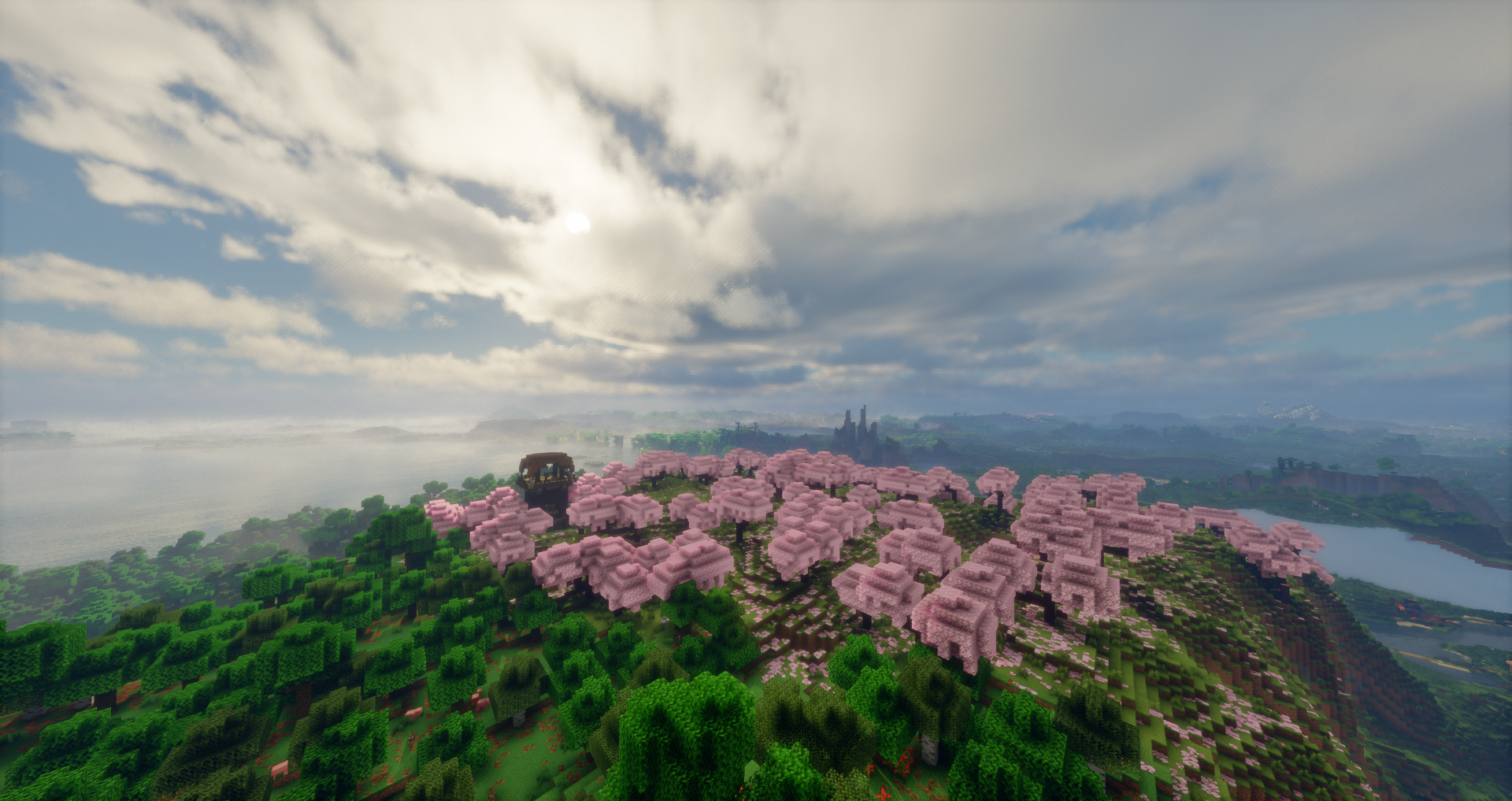
A cherry grove start gives you a pink, calm backdrop for a base. It suits shrine builds, Japanese-style houses, or a small town, and you still have the normal survival resources close by.
4. The balanced survival world
Seed: -8127986865150663286
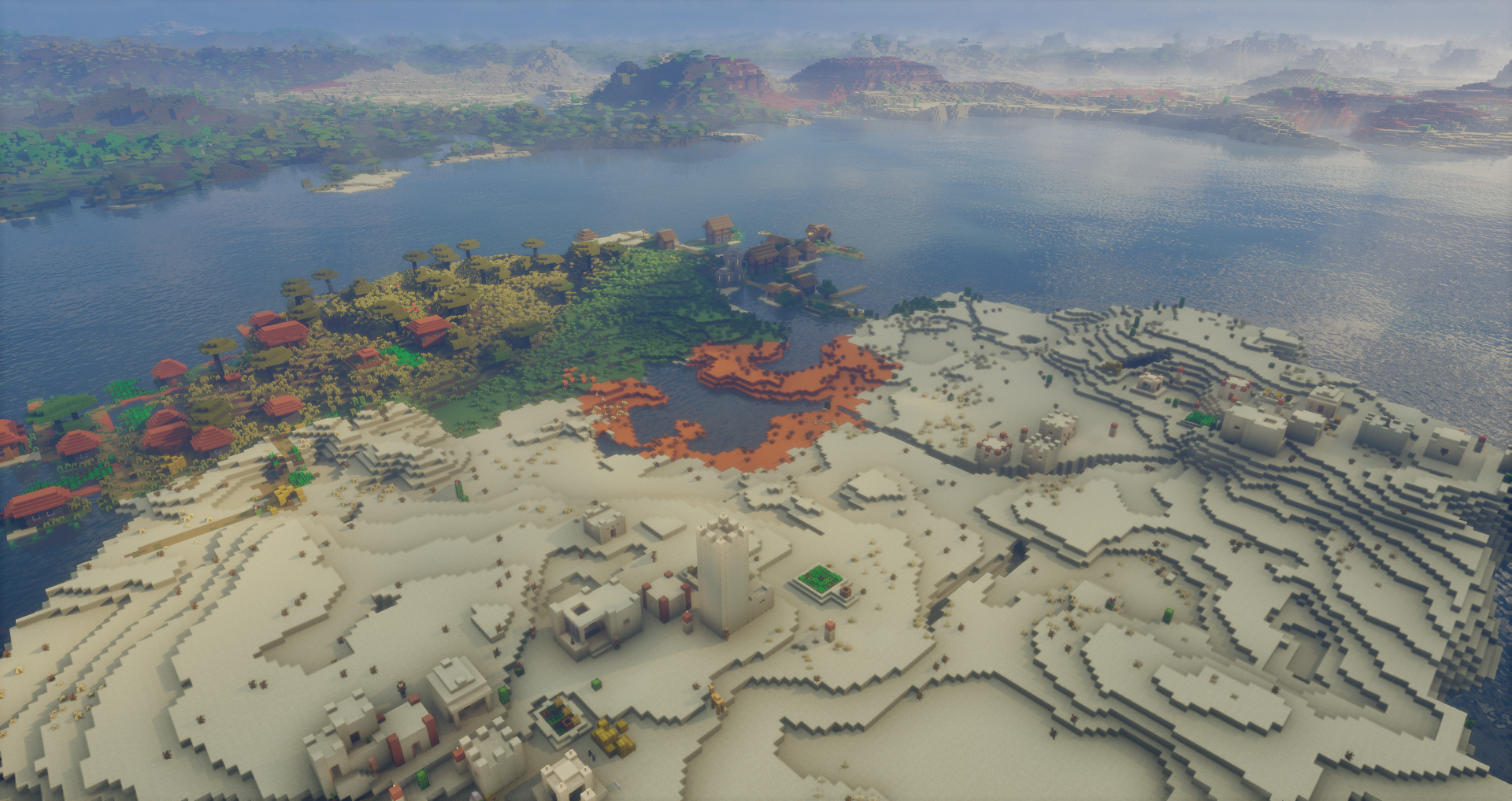
Villages, shipwrecks, and several loot structures sit near each other here, so you get a bit of everything. It’s a safe choice if you don’t want to commit to a theme and just want a solid world to settle into.
5. The tougher start
Seed: 8888947383120075748
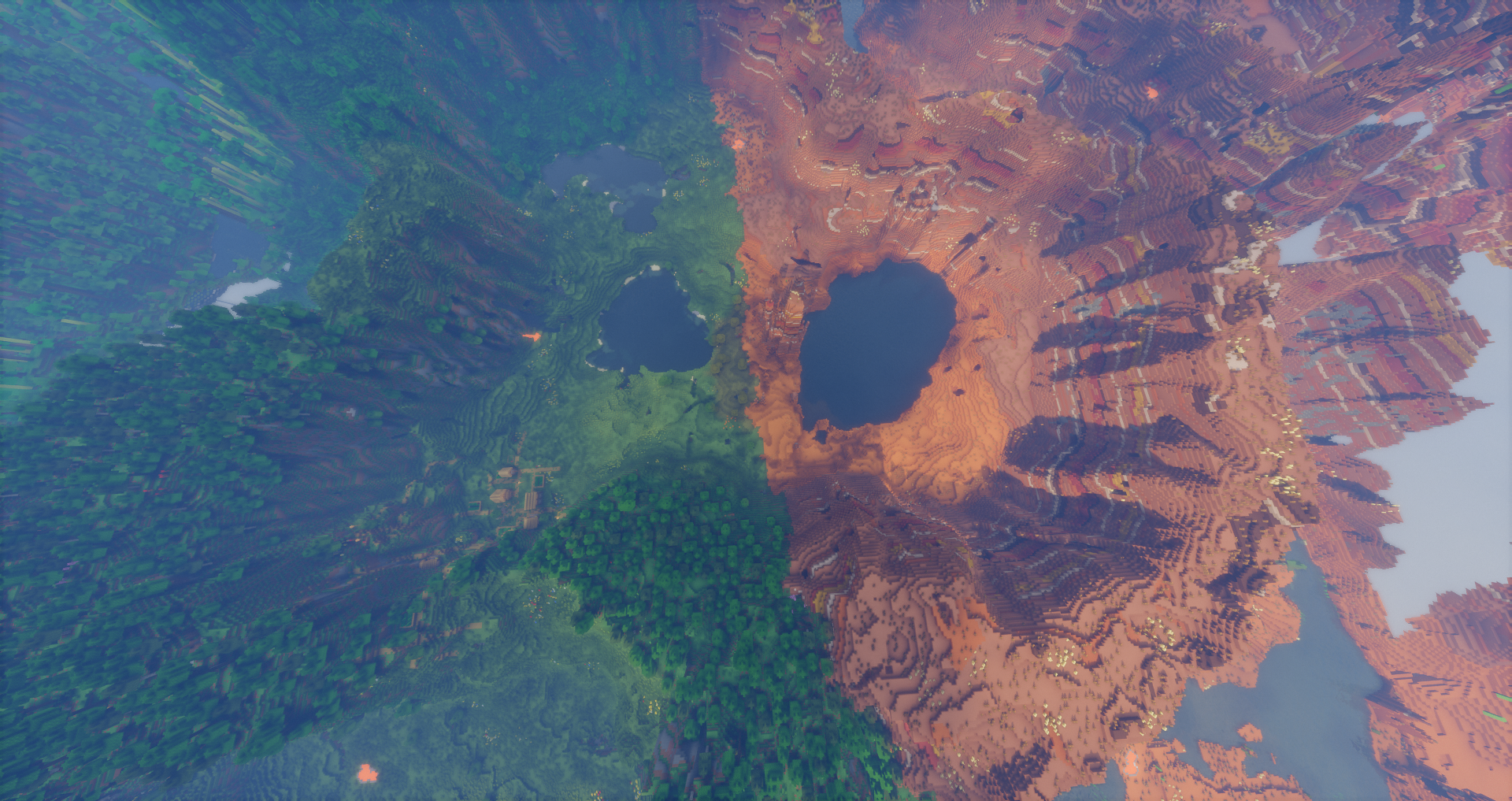
Spawn sits on the edge between badlands and forest. It’s less gentle than the others, so expect to work a little harder for your early resources. Good for groups who like a challenge.
How to use a seed
In singleplayer
- Click Singleplayer, then Create New World.
- Open the world options.
- Paste the seed into the seed box and create the world.
On your own server
Open server.properties and set the seed before the world is generated:
level-seed=302304127329527063The seed only applies to a new world. If your server already generated one, stop it and delete or rename the old world folder first, or you’ll keep playing the old map.
On an AleForge server
Set up a new server through the Blacksmith’s Portal, and use the guided setup for your first install. If you’re switching an existing server to a new seed, back up your current world first, since generating a new one replaces it. Don’t have a server yet? See our Minecraft hosting plans, starting at $1.99/month.
Before you commit to a seed
Seeds can generate differently between Minecraft versions. The terrain often looks similar, but villages, mansions, and loot can end up in different places. Load the seed on the exact version your server runs and check your spawn before you invite everyone.
If you play on Bedrock, the terrain is usually close but structure locations can differ. A seed that works on Java isn’t guaranteed to match on Bedrock. Not sure which edition to run? Read how to choose between Java and Bedrock.
FAQ
What is a Minecraft seed?
A seed is a number that tells Minecraft how to generate your world. Use the same seed on the same version and you get the same terrain, biomes, and structures every time.
Do these seeds work on older versions?
Not reliably. Structures move between versions, so use the version each seed is listed for.
Can I change the seed on an existing world?
No. A seed only applies when a world is first generated. To use a new seed, you need to create a new world.
Do Java seeds work on Bedrock?
The terrain is often similar, but villages and other structures can be in different spots. Test it before you rely on it.
What’s the best seed for a server with friends?
For a mixed group, seed 1 is the easiest start and seed 2 gives you plenty to explore together. If your group wants a challenge, try seed 5.
 AleForge

.png)

