
Why Every Rust Player Needs Their Own Server
Private servers are where Rust gets personal, and AleForge makes them easy.
Rust is survival at its rawest. You gather, build, raid and try not to get killed by someone with a better gun. But anyone who has spent time on public servers knows the downsides: long queues, surprise wipes, cheaters, and a base you spent hours on lost to a stranger.
That’s why more players, clans and Discord communities are creating their own dedicated Rust worlds. A private server gives you something public servers never will: control. And with AleForge, setting one up is simple.
Get your Rust server at aleforge.net →
1. Public Servers Can’t Be Tailored to You
Public servers have to suit thousands of different players, which means they rarely suit you. On a public server you don’t decide when it wipes, who joins, which rules apply, or how many players share the map. When a server gets crowded, laggy or full of cheaters, all you can do is leave.
A private server flips that around. It’s your world, with your rules.
2. What You Control on Your Own Rust Server
When you run your own server, you decide:
- Map size and seed. Pick a compact map for fast action or a huge one for long journeys, and choose a seed you like.
- Wipe schedule. Wipe weekly, bi-weekly or on your own timetable. Rust still has its regular forced wipes, but between them the schedule is yours.
- Who can join. Keep it to your friends, set a player limit, or run an open community with your own admins.
- Rules and gameplay. Set your own approach to teaming, PvP, events and fair play.
- Plugins and tools. Many community servers add plugins for things like kits, teleports and shops. Check your hosting plan for the modding frameworks it supports, and use the File Manager or SFTP to upload files.
- Admin tools. Add trusted moderators and manage your server without sharing your account details.
3. Why Host Rust With AleForge?
AleForge has been hosting game servers since 2018 and supports more than 40 games, including Rust. It holds a 4.9-star customer rating. Here’s what that gives you as a Rust player:
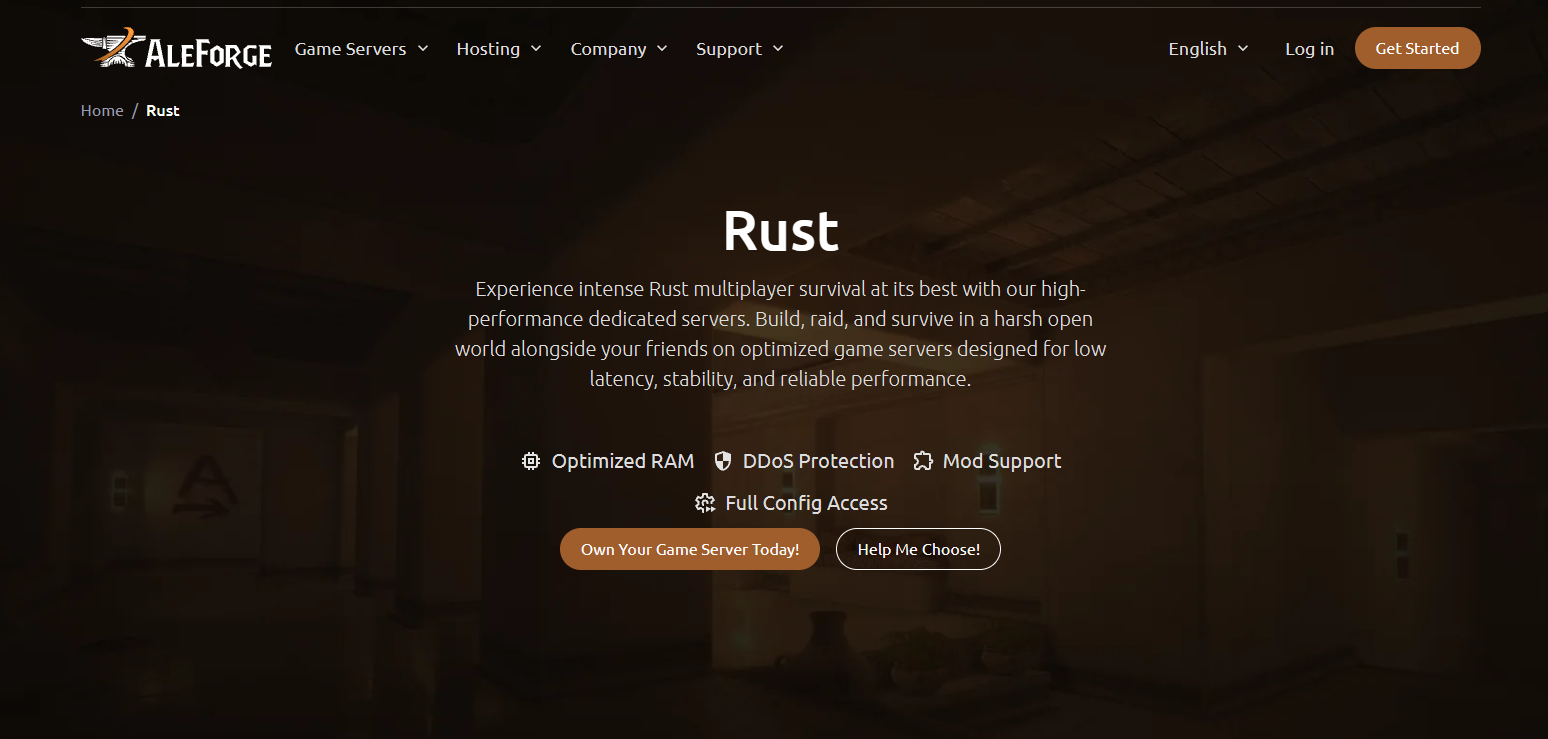
- A control panel built for you. Blacksmith’s Portal, AleForge’s custom panel, gives you a live console, file manager, config editor, task scheduler and activity logs in one place.
- Backups that protect your progress. Run one-click backups, schedule them, and rely on nightly disaster-recovery backups. Take one before every wipe or plugin change.
- DDoS protection included. Your server is protected by Cloudflare Spectrum at no extra cost, so a bad actor can’t knock your community offline.
- Real resources. AleForge says it doesn’t oversell its machines, so the memory and CPU you pay for are yours. That matters for a demanding game like Rust.
- Scheduled restarts. Use the Task Scheduler to automate restarts and other recurring jobs.
- Share the workload. Give co-admins sub-user access so they can help manage the server without your password.
- Easy moving. Already have a Rust server elsewhere? The Server Importer helps you move it over.
- Flexibility. Game Swap lets you switch your server to another supported game, and Server Splitting lets you divide one plan into several servers.
- 24/7 support. Reach the team any time by ticket, live chat or Discord.
- Global locations. Choose a data center in North America, Europe, Asia or Australia to keep ping low for your players.
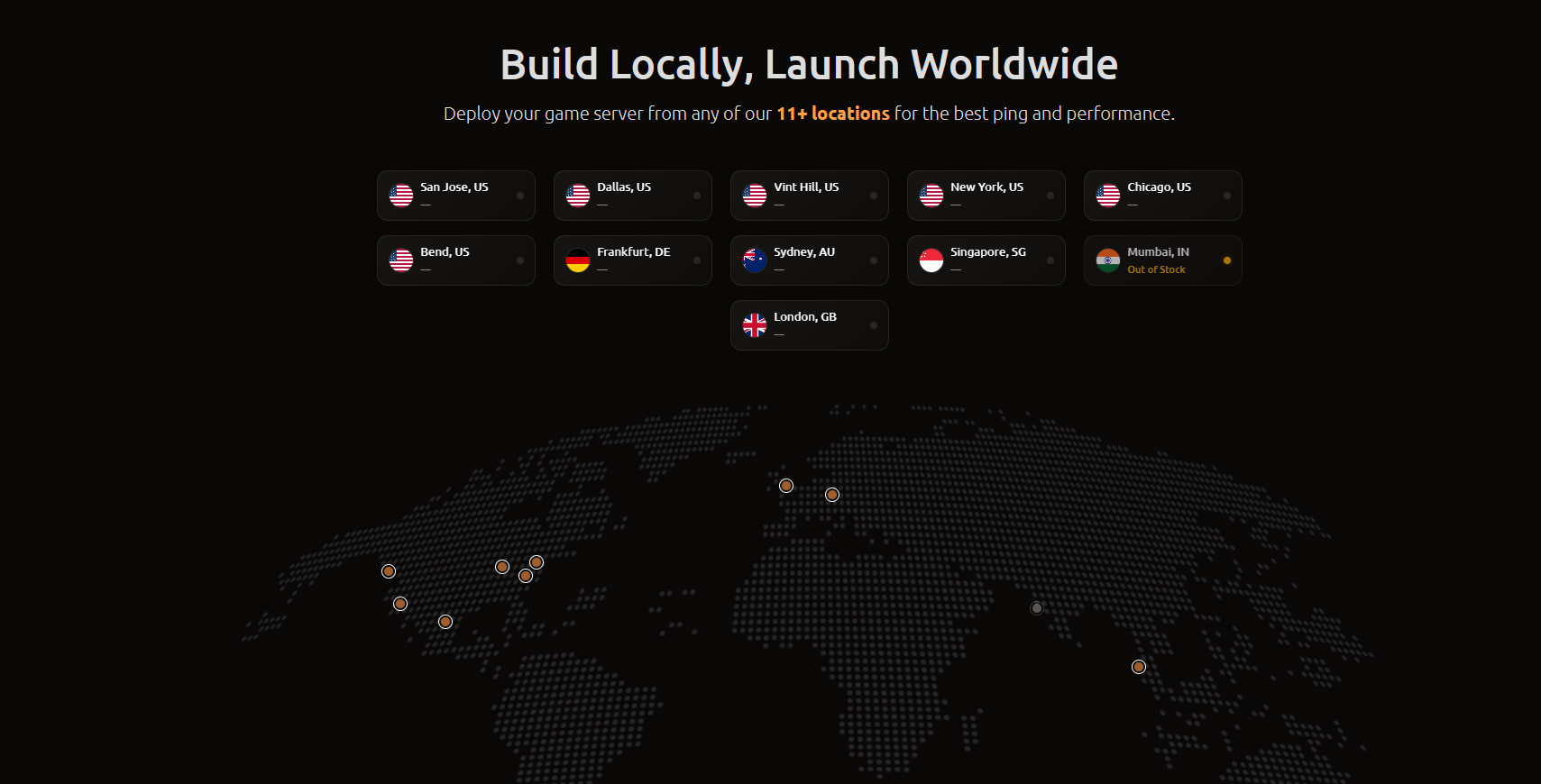
Check the Rust hosting page for current plans, sizes and locations.
4. Build Your Own Community
Rust isn’t only about surviving. It’s about the stories that come from it: the betrayals, the raids, the base designs and the rivalries. Your own server gives that a home.
- Host events. Run PvP tournaments, build contests and clan wars.
- Grow a Discord community. Give your players one place to find the server, ask questions and share clips.
- Create your own identity. Set your own rules, your own name and your own reputation.
- Keep the community healthy. Moderate your server, remove cheaters, and keep the players who make it fun.
5. Great for Streamers, Clans and Friend Groups
Streamers and creators. A stable server with no random crowds means smoother content and fewer surprises in the middle of a stream.
Clans and Discord communities. A reliable server with the right ping keeps raids, events and wipe-day fights running smoothly for everyone.
Friend groups. A private world means you can play together without strangers, queues or wipes you didn’t plan for.
6. How to Get Started
Starting your Rust server takes just a few minutes:
- Visit the AleForge Rust page and choose a plan that fits your player count.
- Pick a location close to your players for the lowest ping.
- Complete your order. Your server is set up automatically once payment is processed.
- Log in to the AleForge Panel and set your server name, map size and seed.
- Share your server address with your friends or community.
- Set up backups and scheduled tasks so your server looks after itself.
7. Tips for a Smooth Rust Server
- Plan your memory. Rust is demanding. As a rough guide, many hosting guides suggest around 8 GB for a small vanilla server, and more for larger or modded ones. Check your plan’s recommendations for your player count.
- Back up before every wipe. A quick backup before wipe day or a big plugin change is easy insurance.
- Expect updates on forced-wipe day. Rust has monthly forced wipes, and updates can break plugins until they’re patched. Check that your plugins are up to date before you restart.
- Start with a sensible map size. A map that’s too big for your player count can feel empty and uses more resources.
- Share admin duties. Give trusted moderators sub-user access so you’re not the only one who can fix things.
Frequently Asked Questions
Why host my own Rust server instead of using a public one?
A private server gives you control over wipes, rules, player limits and who joins, without the queues, crowding and cheaters that come with public servers.
Can I run plugins on my Rust server?
Many Rust communities use plugins. AleForge’s File Manager and SFTP let you upload files, and you can check the Rust hosting page for the modding frameworks supported on your plan.
How much RAM does a Rust server need?
It depends on your map size, player count and plugins. Rust is memory-hungry, so choose a plan with room to grow. Many guides suggest about 8 GB as a starting point for a small vanilla server.
Is DDoS protection included?
Yes. AleForge servers are protected by Cloudflare Spectrum at no extra cost.
Can I move my existing Rust server to AleForge?
Yes. The Server Importer helps you bring your server over from another host.
What if I need help?
AleForge support is available 24/7 through tickets, live chat and the community Discord.
Is there a refund policy?
Check the refund policy for the current terms.
Rust is survival at its rawest, and your own server lets you shape it. Stop waiting in queues, stop dealing with random wipes, and start building a world that belongs to you and your community.
With AleForge, you get a clear control panel, solid protection, reliable backups and support whenever you need it.
 AleForge
.png)

