Beyond bigger features like Depot and backups, a lot of the Summer 2026 work was about making the panel faster and less clicky. This post covers the theme and productivity side of the Summer 2026 panel overview.
Snappier theme and modern graphs
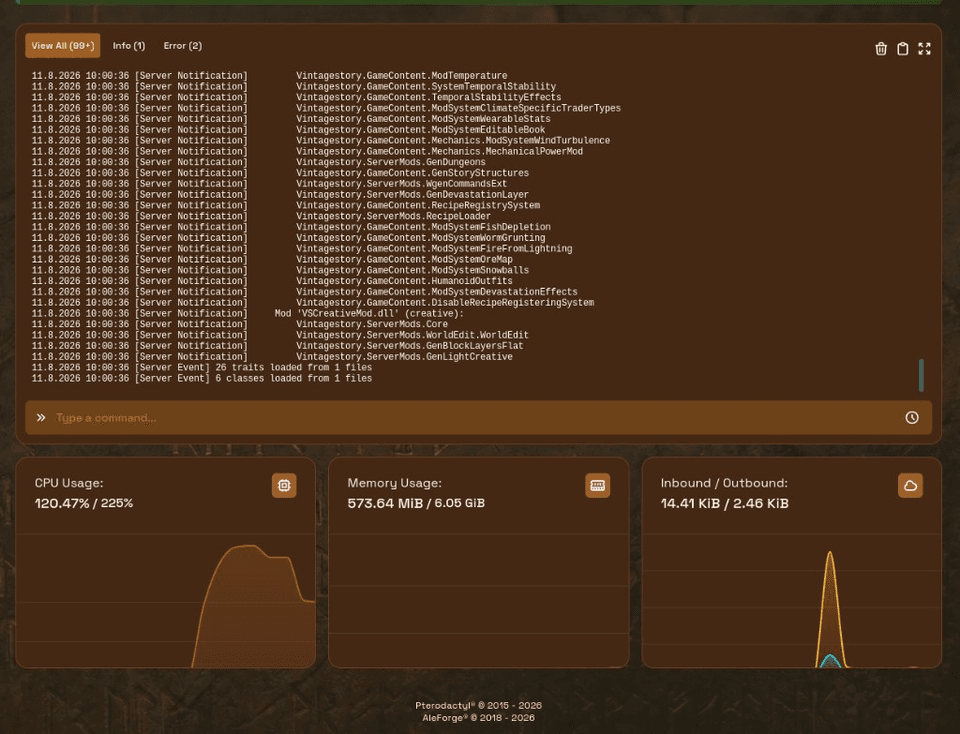
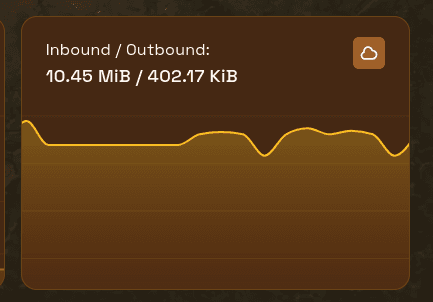
We overhauled theme performance for quicker page loads and replaced the old chart stack with a modern graph library so CPU, memory, and network charts are cleaner and easier to read.
Contrast and styling were polished across Depot, Players, Bedrock/Java version, EULA, and subdomain screens so those flows feel consistent with the rest of the portal.
Find anything faster
Command palette and hotkeys
Open the command palette from anywhere to jump to pages or trigger actions without hunting the sidebar. Hotkeys speed up the actions you repeat every day.
Server folders
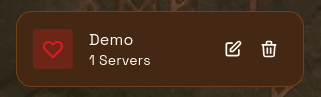
Organize servers into folders. This helps if you run multiple communities, staging vs live, or game types side by side. Edit or remove a folder when your layout changes.
Activity filter
Filter the activity log to find events faster when you are chasing who changed what.
Console and files while you work
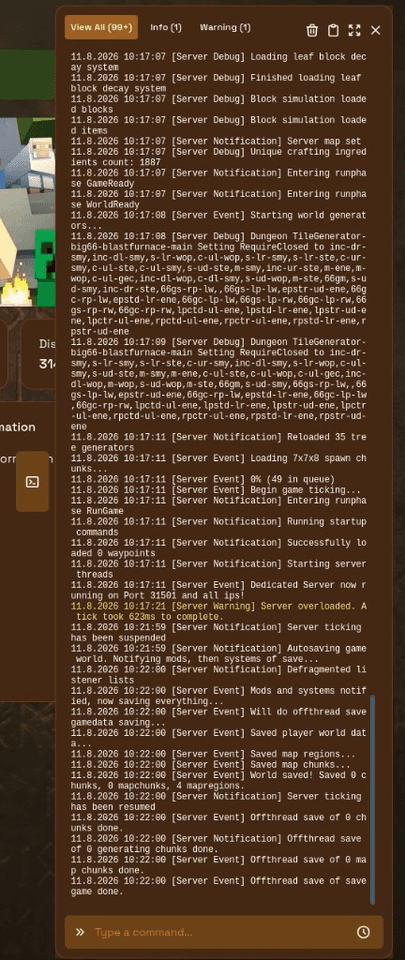
- Pop-out console: keep the console open on any panel page while you edit configs or browse files
- Command history: reuse previously entered console commands
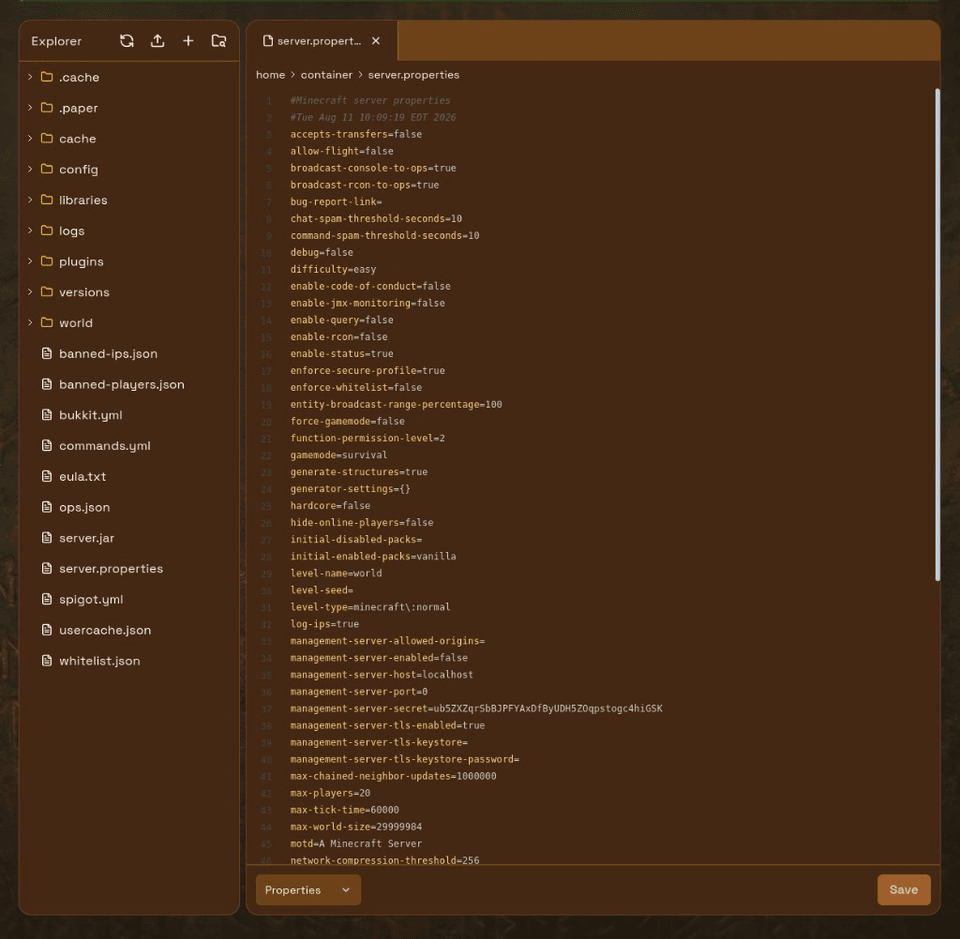
- Code Editor Mode: toggle an editor-style file manager when you prefer that layout
- Directory pagination for huge folders
- Chunked uploads for large files
- Clone from Git into server files (allowlisted for safer cloning)
- Trash bin improvements for recovering or clearing deleted files
Schedules, permissions, and account tools
- Extra schedule tasks: delete files or fire Discord webhooks on a schedule
- Permission presets: assign common subuser permission sets quickly
- Subuser expiry and API key expiry
- Active sessions and SSH key management from the panel
- Billing alerts for upcoming invoices, with quick access to billing data
Refreshed game tools
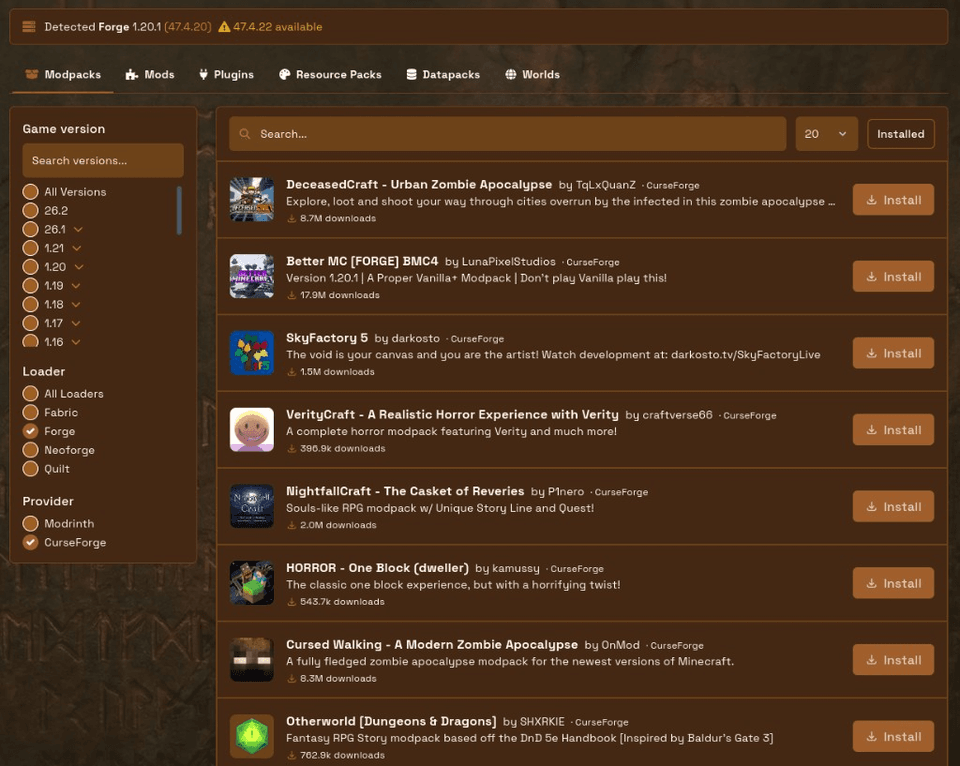
We replaced older custom UIs with updated theme screens for plugins/mods, worlds, version changer, and subdomains. Depot is the clearest example: one place for modpacks, mods, plugins, resource packs, datapacks, and worlds.
Overlapping legacy addons (old plugins/version/worlds/subdomain UIs, template installer, network stats) were sunset so you are not looking at two different designs for the same job.
For CurseForge and Modrinth installs see Depot. For PZ see how to install Project Zomboid mods. For guided configs see Palworld server settings.

 AleForge