The Blacksmith’s Portal Summer 2026 release has reached its final stage for deployment. The daily overview shows you all the essential information which you need to know for every day. The longer guides provide detailed information about backups, CurseForge server hosting / Depot, Project Zomboid mods, theme and productivity tools, and Palworld server settings.
Faster panel, clearer navigation
The theme received a performance enhancement which results in faster page loading times. The system includes features which reduce the need for users to move between different screens.
- Users can access pages and perform common actions through Command palette and hotkeys
- Server folders to group servers however you manage them
- Users receive billing alerts which show their upcoming invoices while they can access their billing information through quick links
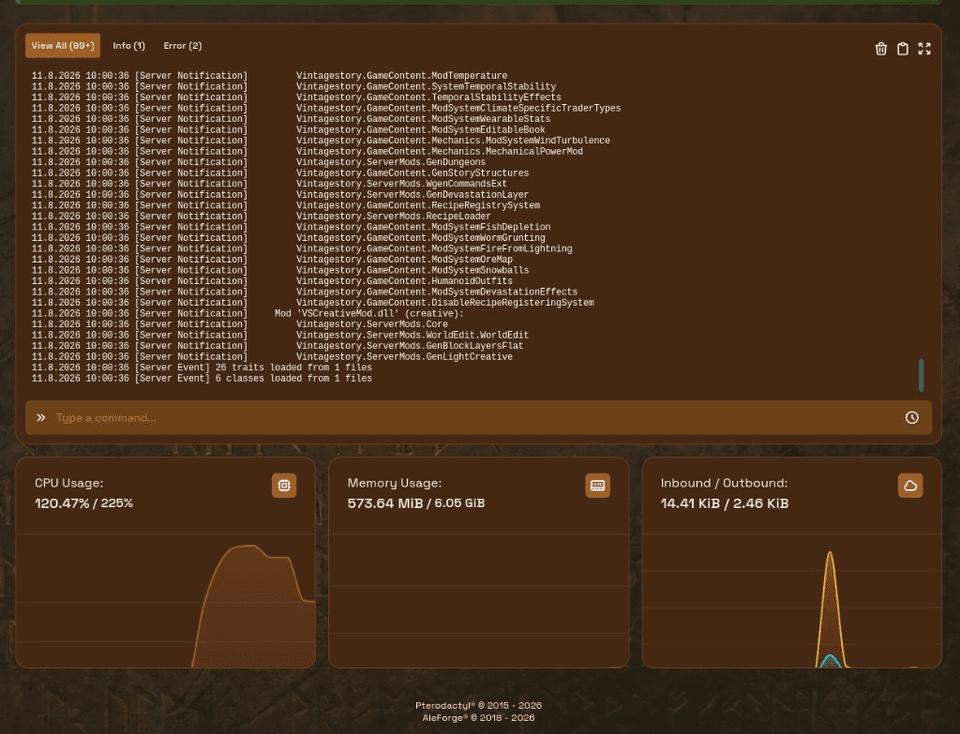
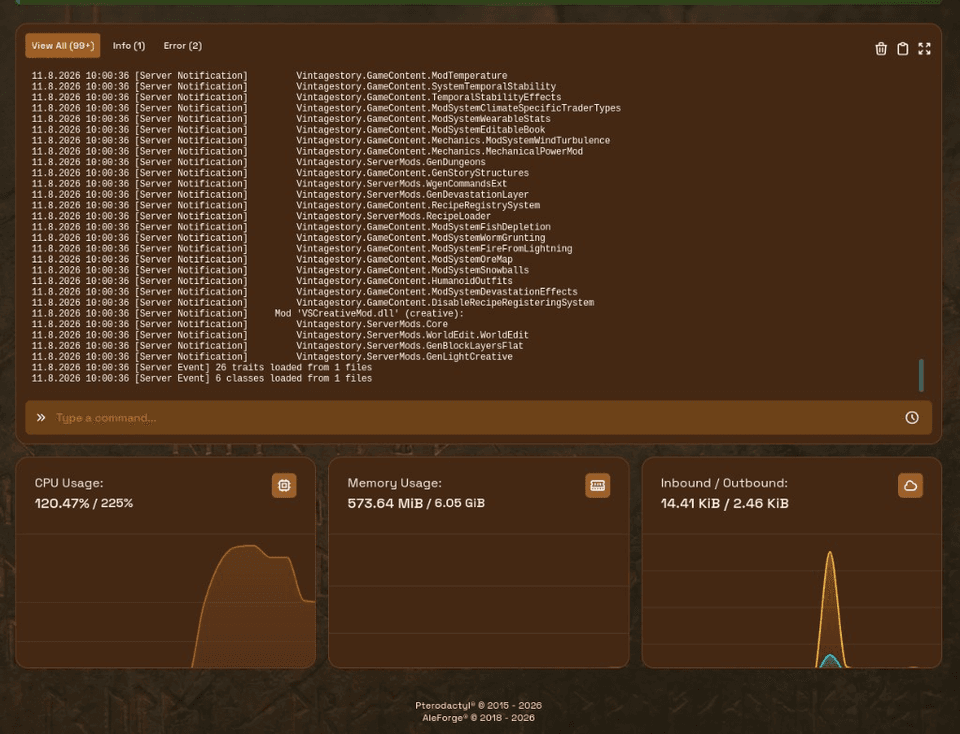
- Modern resource graphs on the dashboard
- Users can maintain console visibility through the pop-out feature while they operate other sections of the panel
- Users can access their previous console commands through the command history feature which enables command repetition
Minecraft Depot (CurseForge and Modrinth)
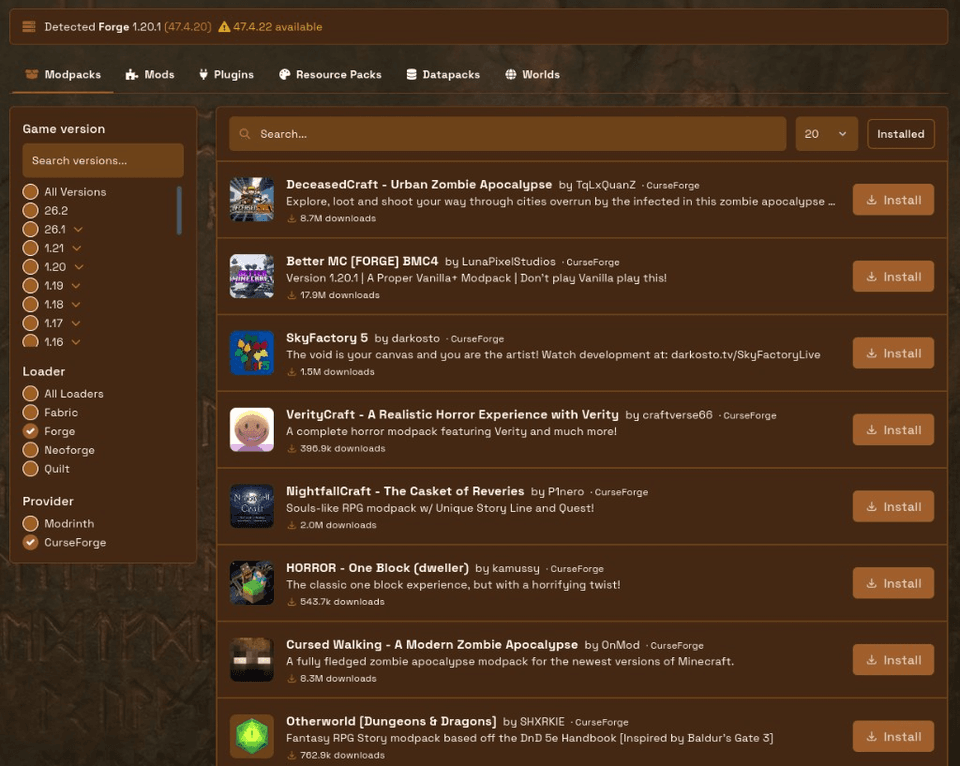
The Depot platform allows users to find and download modpacks together with mods and plugins and resource packs and datapacks and worlds which exist on CurseForge and Modrinth. The installation process shows better progress indicators while the system attempts to find all required dependencies and the modpack installation process fetches the correct versions of Minecraft and modloader runtime. The system enables users to perform wipes before installation when they need to start fresh and all actions get recorded in the system.
Full walkthrough: CurseForge server hosting with Depot.
Project Zomboid mod manager
The PZ Mods page exists as a dedicated platform for PZ servers which allows users to find mods and install them while viewing their current installations and performing updates and removal operations with optional server restarts after modifications. The complete process for installing Project Zomboid mods becomes available through the provided link how to install Project Zomboid mods.
Backups that stay out of your way
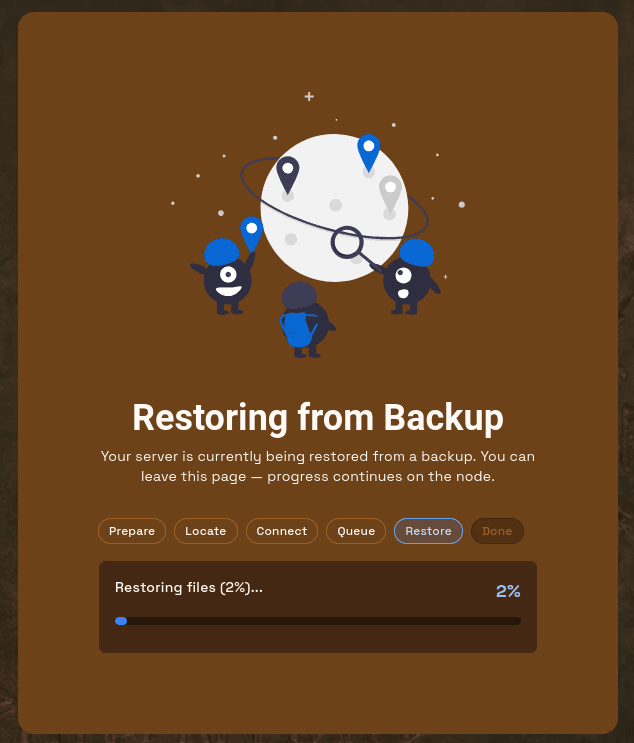
The panel now allows downloads to operate independently from its other components. The program will maintain its state when users move to different sections. The system enables users to track their restoration progress through an active interface which handles conflict resolution while tokens maintain their validity duration for extensive data exports and automatic backup protection prevents accidental deletion by users. The backup system performs deduplication operations while running complete remote backups which it then duplicates across multiple geographical locations. The blog post how AleForge backups work contains all essential information.
Files, Git, and Code Editor Mode
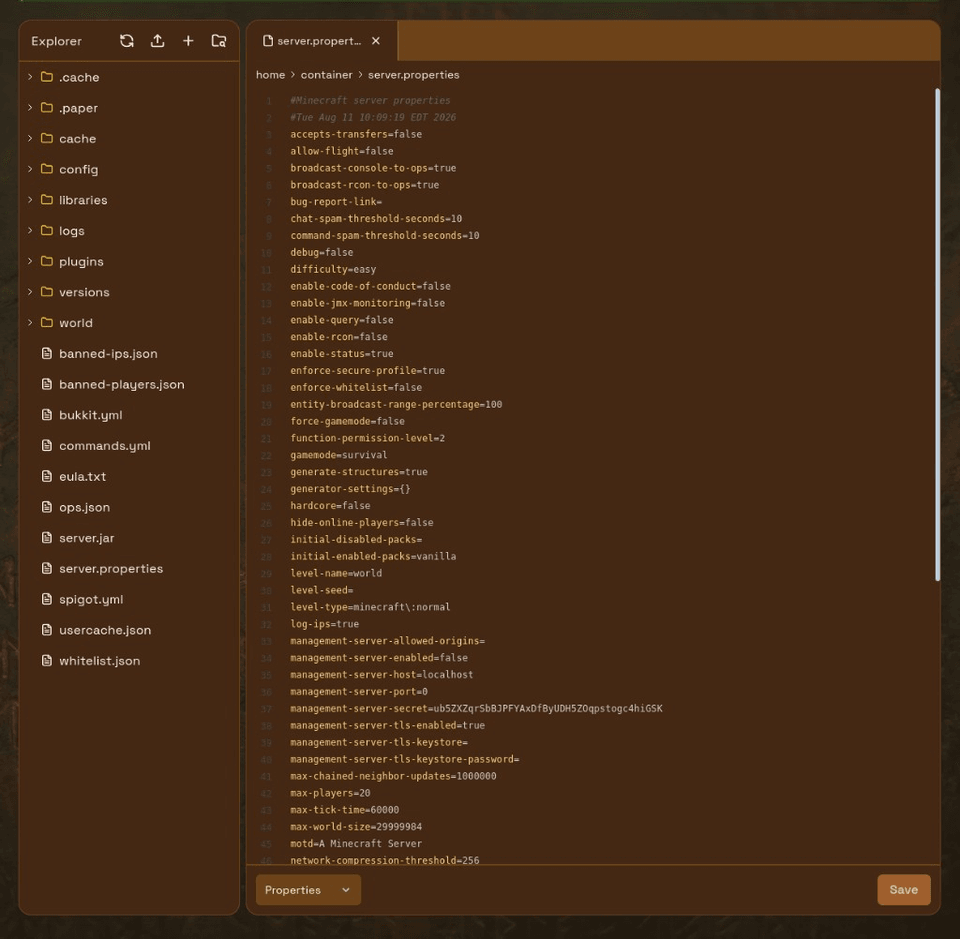
The system displays large folders through pagination. The upload process for large files requires chunked uploading. You can clone from Git into server files (allowlisted for safety). Toggle Code Editor Mode when you want an editor-style file manager instead of the classic layout.
Config editor and Palworld server settings
The system allows games to create an egg-based configuration editor which lets users modify essential fields through an interface that supports Palworld server settings and JSON and line-based configs and sandbox Lua and Project Zomboid and additional features become accessible when developers activate them for their games. The helper system lets you identify Java image differences between your running egg and the required image for your egg needs. More in the Palworld server settings article.
Account and access tools
- View and manage active sessions
- Upload and manage SSH keys
- Set expiry on API keys and subuser access
- Permission presets for faster subuser setup
- Activity log filters to find events faster
The schedule system enables users to run additional operations which include file deletion and Discord webhook messaging. The system received updates which affect both its trash bin recovery process and its trash bin clearing system. The updated theme screens replaced the previous user interfaces which combined plugin management with version control and world selection and subdomain configuration.
Under the hood
The company switched to a geo-replicated database system and containerized web/scheduler/worker operations to achieve better system stability and they created faster deployment processes which enable panel updates to reach production systems more efficiently while they updated their platform to Laravel 12.
Related reading
- CurseForge server hosting / Depot
- How to install Project Zomboid mods
- How AleForge backups work
- Theme and productivity updates
- Palworld server settings
Questions? Browse our help docs or open a ticket from the portal.

 AleForge