

Minecraft Authentication Servers Down
Minecraft Authentication Servers Down
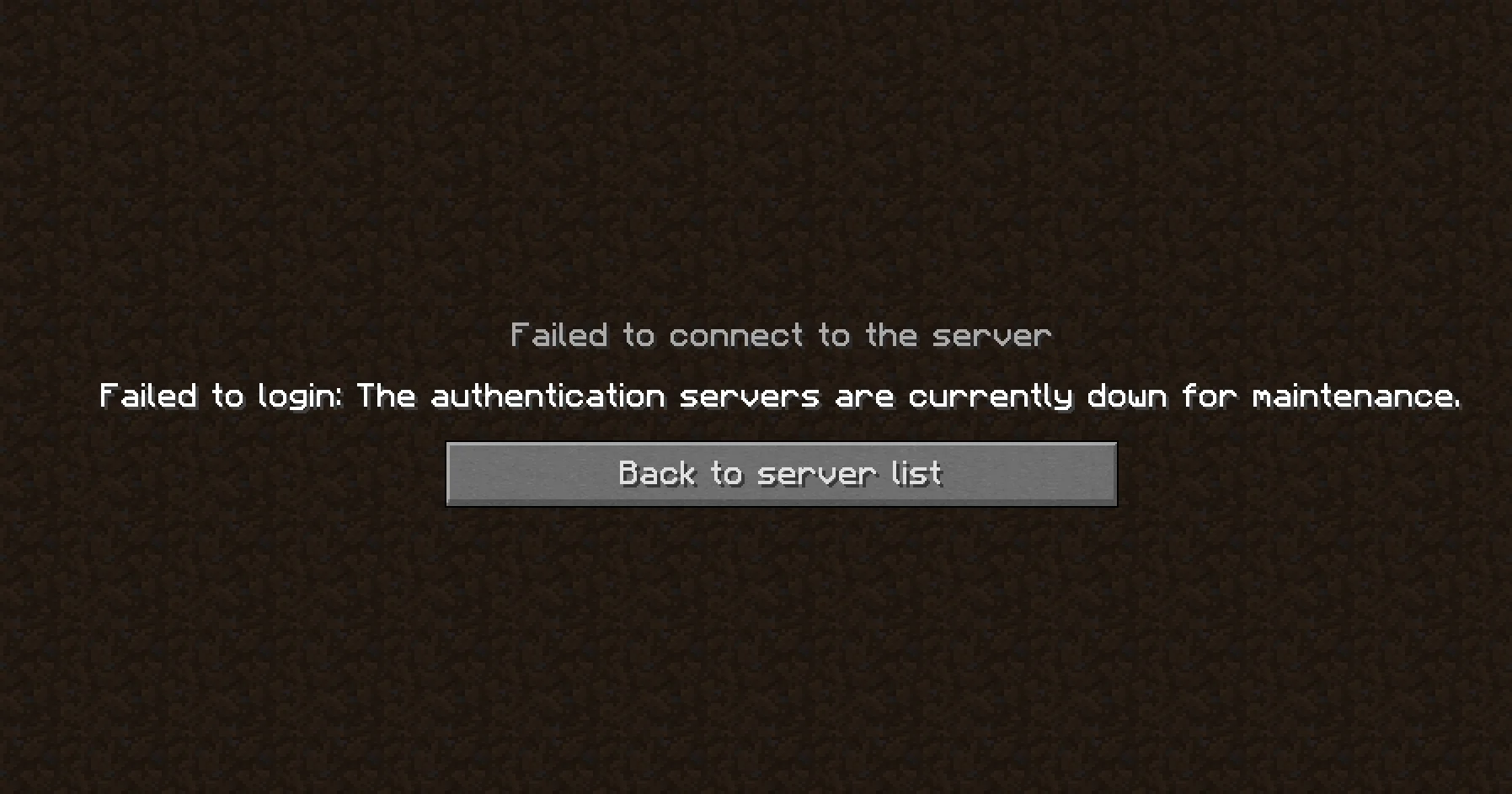
Section titled “Minecraft Authentication Servers Down”Players sometimes cannot join a Minecraft server and see an error like “Failed to verify username” or “The authentication servers are currently down.” This usually means Minecraft could not check the player’s account with Mojang and Microsoft. It is not always a problem with your server, and sometimes it is not a problem with the player’s game either.
How Authentication Works
Section titled “How Authentication Works”When a player joins a server that has online-mode=true (the default), the game and the server both contact Mojang’s session servers to confirm the account is real and owned by that player. If those servers are down, slow, or cannot be reached, the check fails and the player is kicked before they even load in.
This means the problem can be in one of four places:
- Mojang / Microsoft services are having an outage or maintenance.
- The player’s game or account has a bad session, an account problem, or a network problem.
- Your server cannot reach the authentication servers.
- The player is not using a paid, official account. Servers in online mode only accept verified accounts.
Common Error Messages
Section titled “Common Error Messages”The exact wording changes between Minecraft versions and launchers, but these are the most common:
| Error message | Usually means |
|---|---|
Failed to verify username! |
The check failed. Could be a bad session, a duplicate login, or a Mojang outage. |
Invalid session (Try restarting your game) |
The player’s login session expired or is broken. |
The authentication servers are currently not reachable. Please try again. |
The server or player could not contact Mojang’s servers. |
Failed to login: The authentication servers are currently down for maintenance. |
Shown in the game or launcher. May be a real outage, or a local connection problem. |
Bad login |
The account, password or session token was rejected. |
Step 1: Check If Mojang Is Having Problems
Section titled “Step 1: Check If Mojang Is Having Problems”Before changing anything, find out if the problem is on Mojang’s side:
- Check the Minecraft help site (help.minecraft.net) for service status notices.
- Check the Xbox Live status page (support.xbox.com/xbox-live-status), because Minecraft accounts now log in through Microsoft.
- Follow the official @MojangStatus account on X for outage announcements.
- Look at community outage trackers such as Downdetector, or the r/Minecraft subreddit, to see if many other players are reporting the same problem.
If many players everywhere are affected, it is an outage. There is nothing to fix on your side. Wait until the services are back, then ask players to try again.
Step 2: Player Fixes
Section titled “Step 2: Player Fixes”If Mojang looks fine and only some players are affected, ask them to try these:
- Fully close Minecraft and the launcher, then open them again.
- Log out of the launcher, then log back in. This refreshes the session.
- Make sure the account is only logged in on one device or launcher at a time.
- Update the launcher and the game to the latest version.
- Restart the router or switch to a different connection, such as mobile data, to rule out a network problem.
- Check that a firewall, VPN or antivirus is not blocking Minecraft.
- If they play through Xbox Game Pass, sign out and back in to the Xbox app and confirm the subscription is active.
- Confirm they are using an official, paid Minecraft account. Cracked or non-premium clients will always fail verification on an online-mode server.
Step 3: Server Owner Fixes
Section titled “Step 3: Server Owner Fixes”If many players are kicked but Mojang looks fine, check your own server.
- Restart the server from the Pterodactyl panel. This can fix a stuck connection to the authentication servers.
- Check the console for errors when a player tries to join (see the example log below).
- Make sure the server can reach the internet. Your host may need to check that outbound connections and DNS are working. The server needs to reach
sessionserver.mojang.comandapi.minecraftservices.com. - Make sure your server software is up to date. Old versions can fail to authenticate correctly after Mojang changes something.
- If you use a proxy such as Velocity or BungeeCord, check that the proxy is the one running with
online-mode=true, and that your backend servers are set up as the proxy’s documentation says. - Contact your host’s support if the console shows the server cannot reach the internet at all.
What This Looks Like in the Console
Section titled “What This Looks Like in the Console”Here is an example of what you may see when the authentication servers cannot be reached. Your times, names and exact wording will be different:
[16:04:11 INFO]: Player1 (/203.0.113.45:51822) lost connection: Disconnected[16:04:37 ERROR]: Couldn't verify username because servers are unavailablecom.mojang.authlib.exceptions.AuthenticationUnavailableException: Cannot contact authentication server at com.mojang.authlib.yggdrasil.YggdrasilMinecraftSessionService.hasJoinedServer(YggdrasilMinecraftSessionService.java:118) at net.minecraft.server.network.ServerLoginPacketListenerImpl$1.run(ServerLoginPacketListenerImpl.java:214)Caused by: java.net.UnknownHostException: sessionserver.mojang.com[16:04:37 INFO]: Player1 (/203.0.113.45:51822) lost connection: The authentication servers are currently not reachable. Please try again.[16:05:02 WARN]: Player2 tried to join with an invalid session[16:05:02 INFO]: Player2 (/198.51.100.23:40417) lost connection: Failed to verify username!How to read this log
Section titled “How to read this log”| Log line | What it means |
|---|---|
Couldn't verify username because servers are unavailable |
Your server tried to check the player with Mojang and could not get an answer. |
AuthenticationUnavailableException: Cannot contact authentication server |
The authentication service could not be reached. This can be a Mojang outage, or a network problem on the server. |
UnknownHostException: sessionserver.mojang.com |
The server could not even look up Mojang’s address. This points to a DNS or internet problem on the server, not a Mojang outage. Contact your host. |
tried to join with an invalid session |
Only this player has a problem, usually an expired login. Ask them to log out and back in. |
lost connection: Failed to verify username! |
The player was kicked because verification failed. |
A quick way to tell the cause: if every player gets kicked at the same time and the console shows Cannot contact authentication server, it is a Mojang outage or a server network problem. If only one player has the error, it is almost always that player’s session or account.
Should I Turn Off Online Mode?
Section titled “Should I Turn Off Online Mode?”You can set online-mode=false in server.properties and restart the server. Then players can join without being checked. We do not recommend this for a public server. With online mode off, anyone can join using any username, including the username of your admins or operators, and take their permissions. Their player data will also be tied to a different UUID, so players may lose their inventories and progress.
If you must use it for a short time during an outage:
- Enable the whitelist first (
white-list=true), and only add players you trust. - Do not give operator status to anyone while it is on.
- Turn online mode back on as soon as the authentication servers recover, and restart the server.
The exception is a proxy setup. A backend server behind Velocity or BungeeCord is normally set to online-mode=false because the proxy does the checking. Only do this if the backend server is not directly reachable from the internet.
How to Avoid This in the Future
Section titled “How to Avoid This in the Future”- Keep the launcher, game and server software updated.
- Ask players not to share accounts or log in on several devices at once.
- Keep a link to the Mojang status sources above where your players can see it, such as a Discord announcement channel.
- When there is an outage, post a short message for your players so they know it is not your server’s fault.
It is worth noting that outages on Mojang’s side are outside your control. All you can do is confirm it is not your server, then wait.