

How do I connect to my ARK: Survival Evolved server?
Now that you have an Ark server set up, it’s time to connect to it.
Connecting to your server
Section titled “Connecting to your server”Using the Blacksmith’s Portal
Section titled “Using the Blacksmith’s Portal”- Open the Blacksmith’s Portal
- Take note of the name set for your server from
Startup
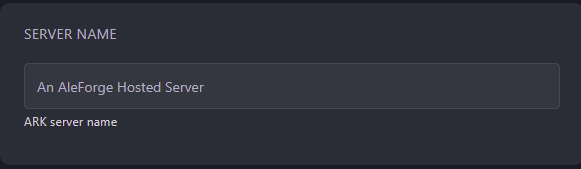
- Open ARK: Survival Evolved
- Click
Join Ark - Search for the name of your server in the server browser
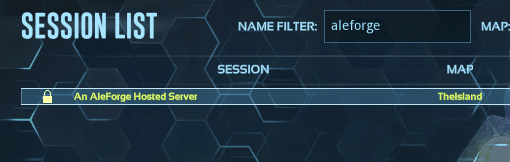
- Double click on your server to join
Self-Hosting/Other Providers
Section titled “Self-Hosting/Other Providers”- Set the session name of your server in the startup flags in the startup script for your server. e.g.
?SessionName="An AleForge Hosted Server" - Open ARK: Survival Evolved
- Click
Join Ark - Search for the name of your server in the server browser
- Double click on your server to join
playing!