

How to Reset Your Avorion Server
You may want to start your Avorion galaxy over or switch between saved galaxies. Both are easy on AleForge.
To bring an existing single-player or hosted galaxy to your server instead, see How to Upload Your Galaxy to Your Avorion Server.
Start a New Galaxy
Section titled “Start a New Galaxy”- Open the AleForge Panel
- Go to
Startupand find theGalaxy Namevariable
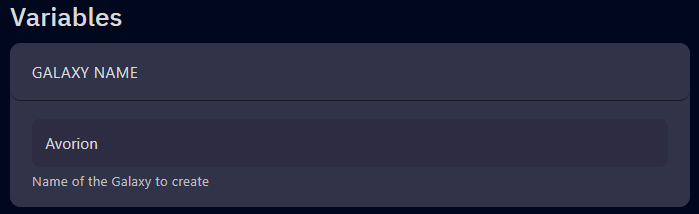
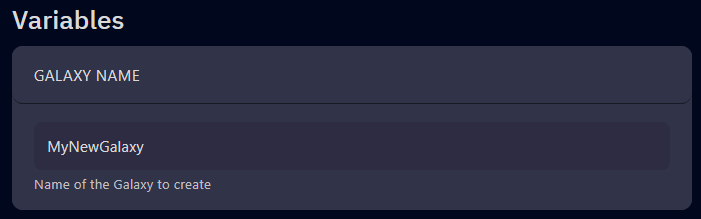
- Change it to a new name (for example,
MyNewGalaxy)
- Go to
Settings - Click
Reinstall Server. This is a soft reinstall and creates the directory structure for the new galaxy. - Start your server with the new galaxy
Switch Back to an Old Galaxy
Section titled “Switch Back to an Old Galaxy”If you want to return to a previous galaxy, change Galaxy Name back to the original name and restart the server. AleForge keeps each galaxy in its own folder under galaxy/.