

How do I add mods to my Minecraft server?
To add mods to your Minecraft server, you will first have to find mods to download. You can use sites like CurseForge or Modrinth to find mods. When looking at mods, be sure to take note of which version of Minecraft a mod supports. e.g. Fabric, Forge, Spigot, Paper, etc.
Not all mods are compatible between different mod loader versions. Be sure to double check this before installing your mods!
Once you know which mod loader you want to use, you can change your Minecraft server to that version. Now we can work on installing mods to your server.
- Go to the AleForge Panel
- Go to
Depotand selectModsat the top
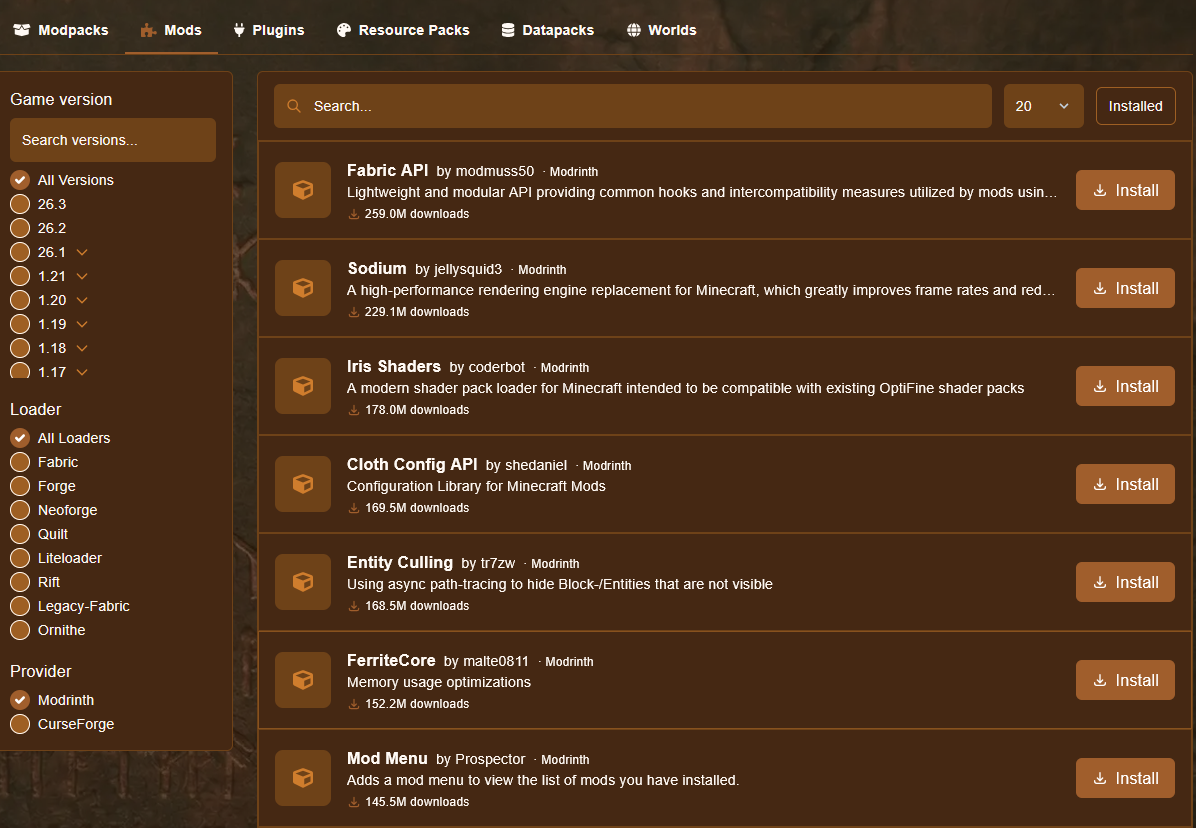 3. Install the mods that you would like on your server. Make sure that your mod loader is selected on the left
4. Start your server and wait for it to get to the
3. Install the mods that you would like on your server. Make sure that your mod loader is selected on the left
4. Start your server and wait for it to get to the Running state and connect to it