

Setting up your Satisfactory Server for the First Time
It is time to get your new Satisfactory server set up and ready to play for you and all of your friends in a couple of easy steps:
Initializing the Server
Section titled “Initializing the Server”- Open the AleForge Panel
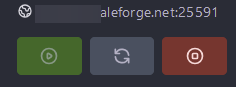
- Make a note of your IP and port. The IP will be located on the Dashboard page in the panel.
- Now it is time to launch Satisfactory on your computer.
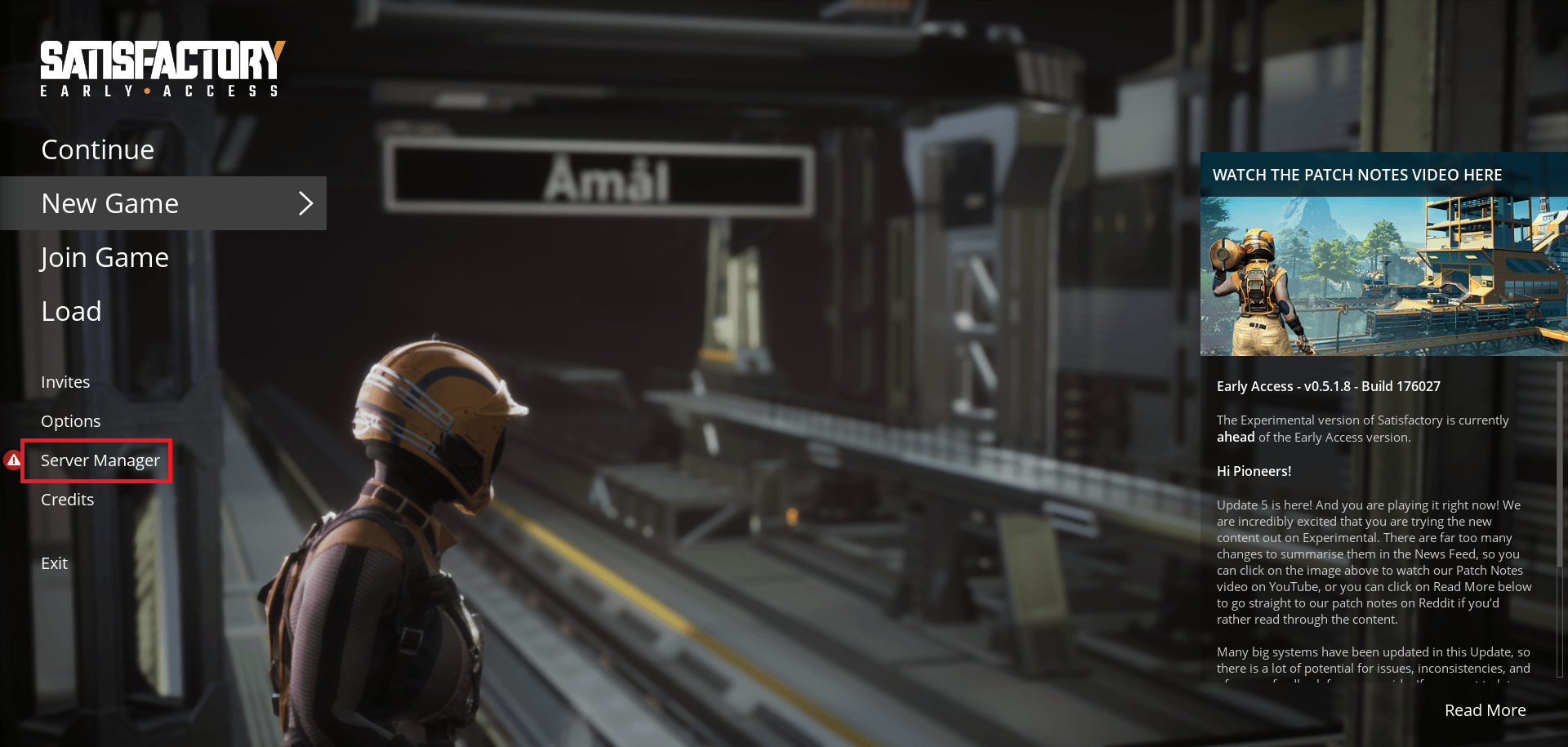
- Once on the main menu open Server Manager
- At the bottom of the second column, click
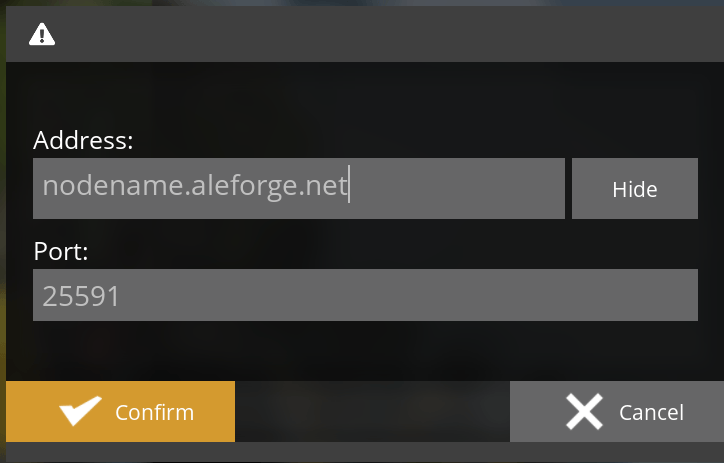
+ Add Server - In the address box input the IP of your server, e.g. 192.0.0.1. We recommend hitting the show button to the right so you can avoid typos.
- In the port, box input your port and then hit confirm.
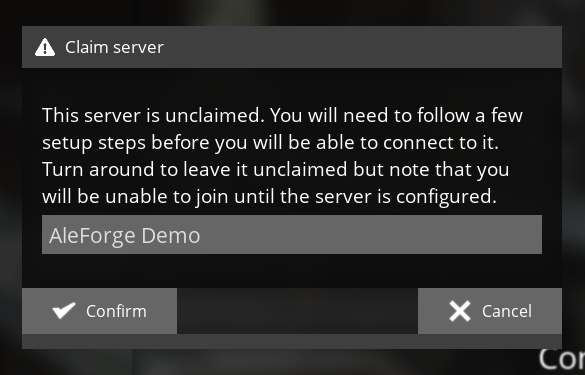
- Once Satisfactory connects, you will be prompted to claim your server. Input a server name to start the claiming process.
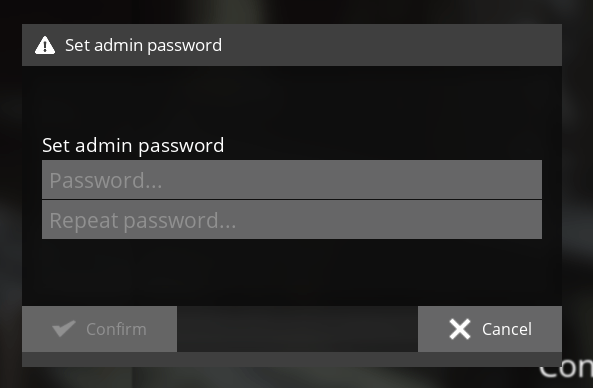
- The following prompt will require you to input an Admin Password for your server. We recommend choosing a strong password and not sharing it with anyone else.
Your server is now initialized. Congratulations!