

How do I use a randomly generated world with 7 Days To Die?
If you’re sick of playing on Navezgane, you can generate a random world to play 7 Days To Die on. Here’s how you can generate one.
Generating A Random World
Section titled “Generating A Random World”Using the Blacksmith’s Portal
Section titled “Using the Blacksmith’s Portal”- Open the Blacksmith’s Portal
- Go to
Startup - Set
World Mapto RWG (Random World Generation)
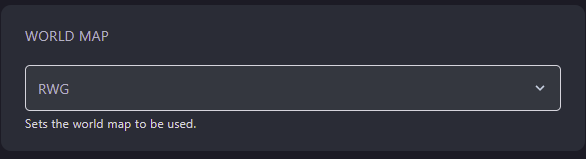
- Optionally set
World Gen Seedto use during world generation - Change the
World Map Sizeto your desired size. - Change
World Nameto force the server to generate a new world. If you want to switch between worlds, you’ll do so here with the name of the world.
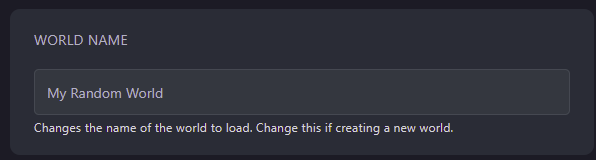
- Restart your server
Self-Hosting/Other Providers
Section titled “Self-Hosting/Other Providers”- Open the location of your servers files
- Open
serverconfig.xml - Locate
GameWorldand change the value toRWG

- Just under
GameWorld, you can findWorldGenSeed. Here you can specify a seed to generate your world with - Under
WorldGenSeedyou’ll findGameName. Change this to something different to make your server generate a new world. - Save the file
- Restart your server