

How do I access the Web UI of my server?
Mount & Blade II has an extensive web panel that allows you to run additional commands to monitor and manage your server. Here is how you can access it.
- Go to the AleForge Panel
- Go to Startup.
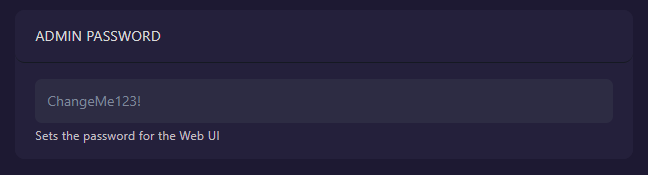
- Set a secure
Admin Password. You will need this to log in to the Web UI. Be sure to restart your server after changing it
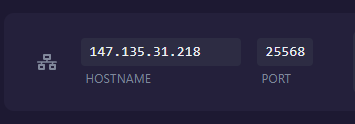
- Go to Network. Take note of the
hostnameandport
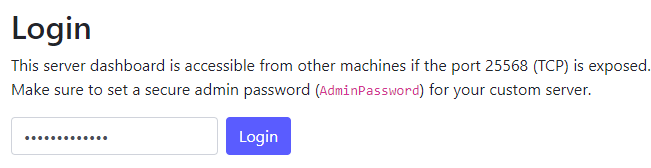
- Enter them into your browser like so

- Enter the
Admin Passwordyou set inStartup
- You will now be logged in to the Web UI