How do I find my Minecraft server IP?
There are a few places in the AleForge Panel where you can find the address to connect to your Minecraft server. Here’s where to look.
Option 1: Console Page
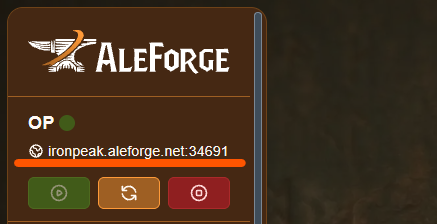
Section titled “Option 1: Console Page”The quickest place to check is the Console page. Open your server, and your server’s address is listed right there.
Option 2: Network Page
Section titled “Option 2: Network Page”If you’d like to see every IP, port, and alias available on your server, not just the primary one, check the Network page instead.
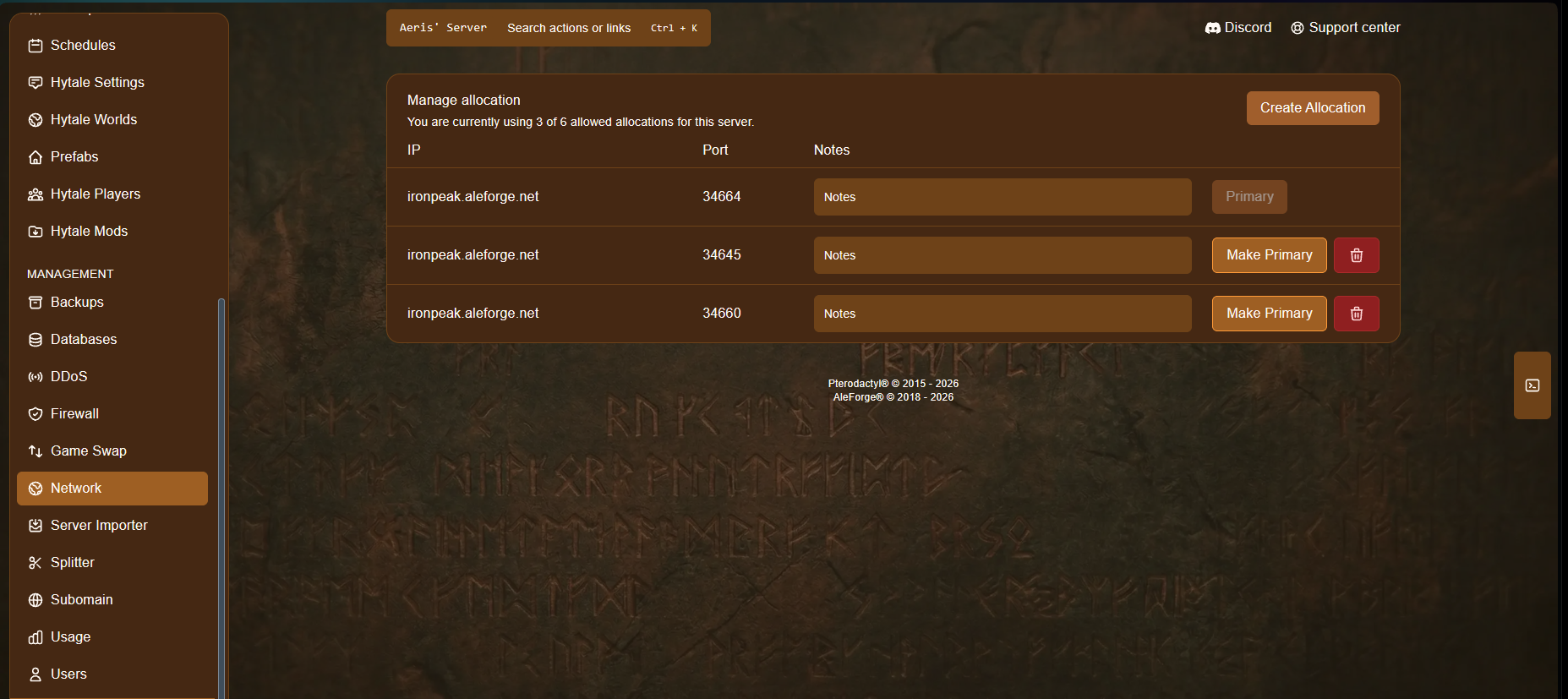
This is especially useful if your server has more than one allocation, for example, if you’ve added an extra port for a mod or integration.
Option 3: Use a Subdomain Instead
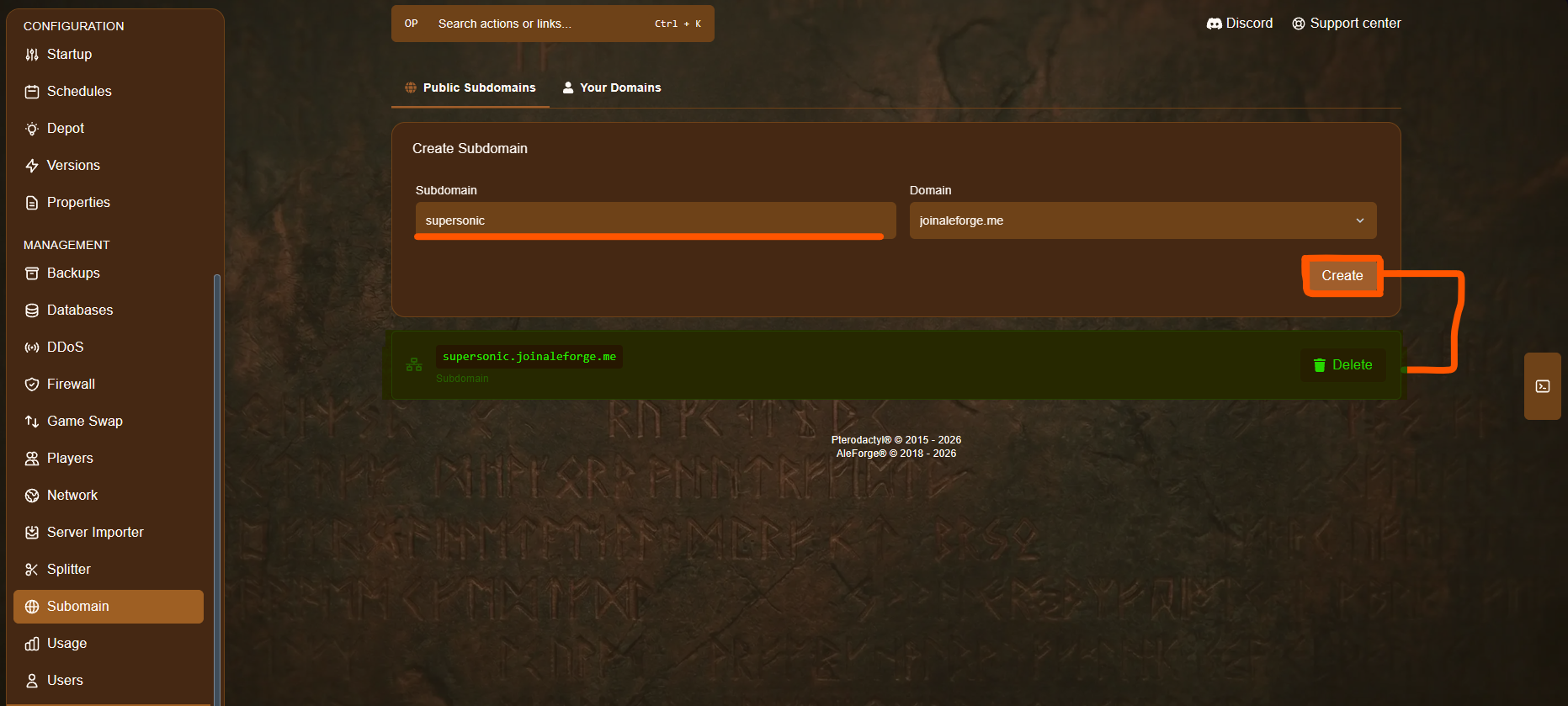
Section titled “Option 3: Use a Subdomain Instead”If you’d rather not deal with IPs and ports changing, you can create a subdomain for your server instead. Once set up, you and your players can connect using a memorable address like supersonic.aleforge.me, instead of a raw IP address, and it’ll keep working even if your server’s underlying IP ever changes. See our guide on creating a subdomain for your server to set one up.