

How do I change the name and description of my Project Zomboid server?
You can change the name and description of your Project Zomboid server in the server browser. Here’s how you can do that.
- Go to the AleForge Panel
- Stop your server
- Open
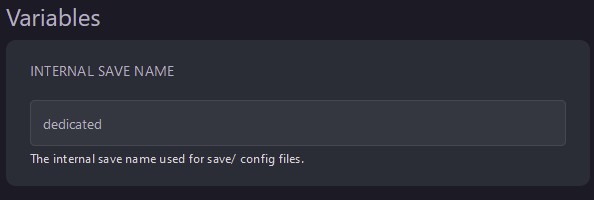
Startupand note downInternal Save Nameas you’ll need this later
- Go to Files
- Open
.cache/Server/ - Open
InternalSaveName.ini
 By default this file is called dedicated.ini
- Use CTRL+F to locate
PublicNameon line 69 and change it to your desired value

- Use CTRL+F to locate
PublicDescriptionon line 72 and change it to your desired value

- Click
Save Contentand start your server