

Setting the Message of the Day (MOTD)
You can set your MOTD (the description message shown in the server list in your game client) directly in the AleForge panel.
- Go to the AleForge Panel
- Head to
Server Properties - Search for
MOTD
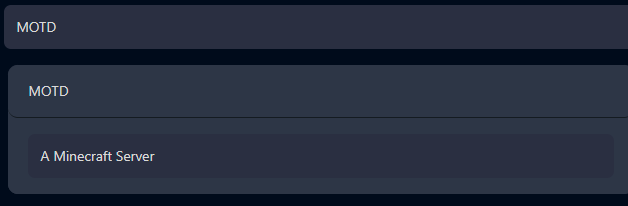
- Enter what you want the
MOTDto be.
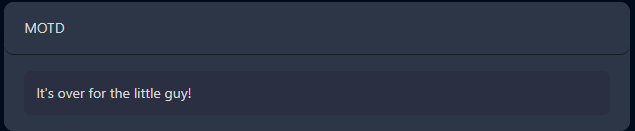
- Press
Saveat the top

- Restart your server