

How do I connect to my Necesse Server?
Connecting to your Necesse Server is easy. Here is how you can connect.
- Go to the AleForge Panel
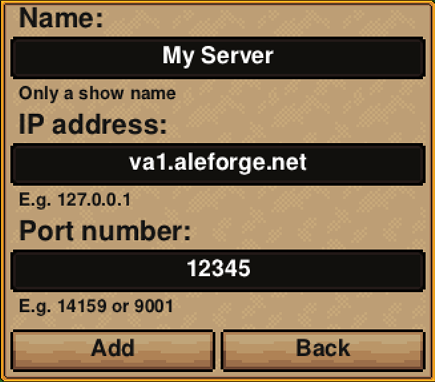
- Go to the Console page and take note of the IP address. This should look something like this: va1.aleforge.net:12345
- Open Necesse
- Click Multiplayer
- Click Add Server
- Enter your information. For the port you will use the numbers after the colon
- Now your server will appear in the list. You can double click it and you will connect to your server
