

How to connect to your Foundry server
- Go to the AleForge Panel
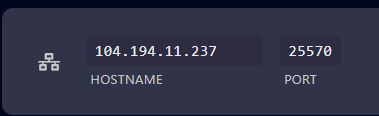
- Take note of the IP address and primary port of your server from the
Networkpage of the server
- Open Foundry
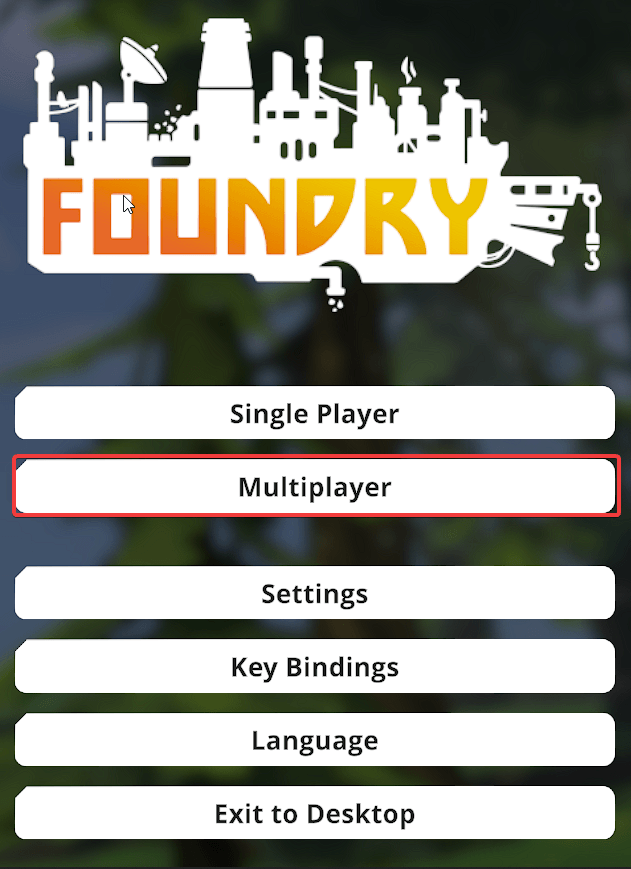
- Click
Multiplayer
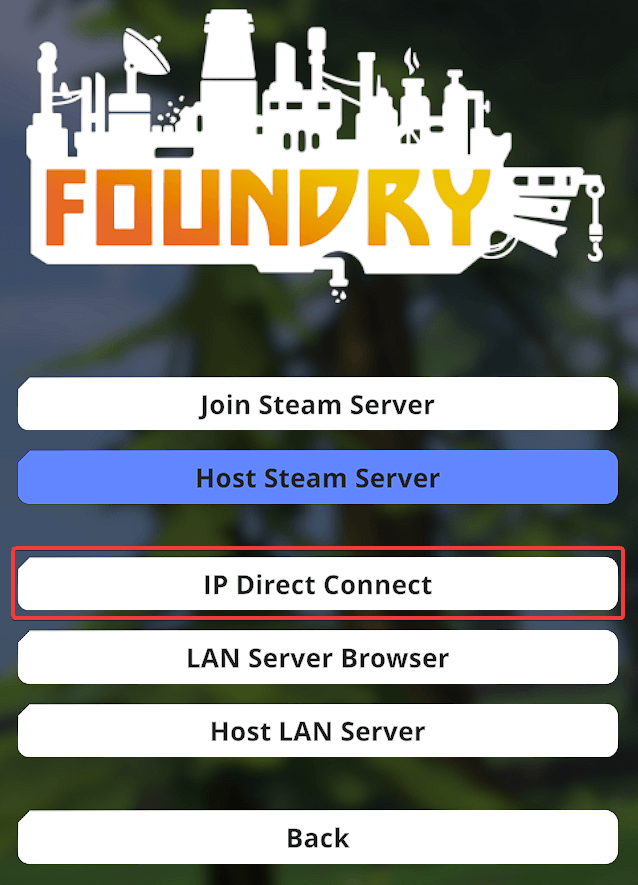
 5. Select
 IP Direct Connect
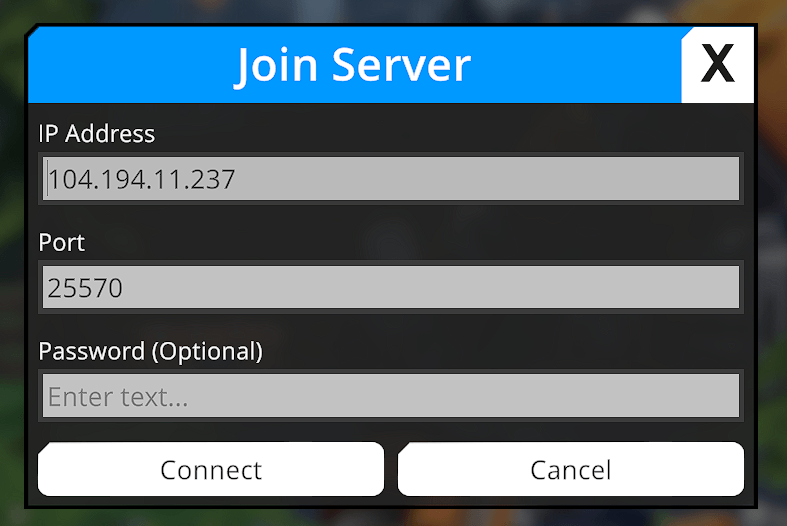
- Enter the IP address and port copied from your server
You’ll now be connected to your server!