

Project Zomboid: Connect via Join
You can connect to your Project Zomboid server in just a few easy steps. Here’s how.
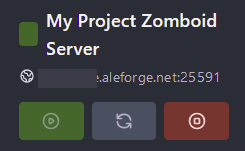
- Go to the AleForge Panel
- Take note of the hostname and port as you will need this to connect
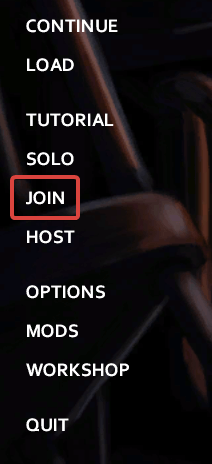
- Open Project Zomboid and select
Join
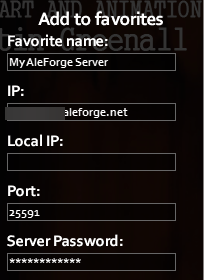
- Under
Add to Favoritesenter in the appropriate information
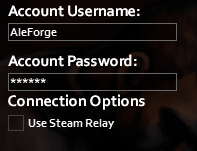
- Create your server account and password so that you can join the server
- Click
Save - Now you can double click on your server in the favorites tab to join it