

Project Zomboid: Enable minimap with save name
You can enable a minimap to aid in navigation of your Project Zomboid map. Here’s how you can do that.
- Go to the AleForge Panel
- Stop your server
- Open
Startupand note downInternal Save Nameas you’ll need this later
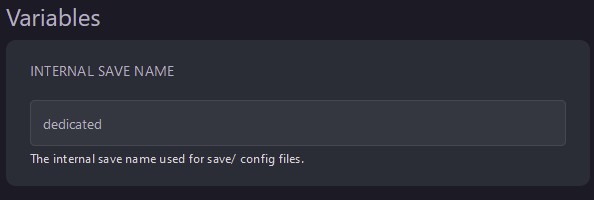
- Go to Files
- Open
.cache/Server/ - Open
InternalSaveName_SandBoxVars.lua
 By default, this file is called
 dedicated_SandboxVars.lua
- Use CTRL+F to locate
AllowMiniMapon line 446 and change it totrue
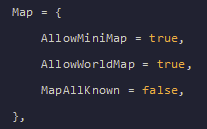
- Click
Save Contentand start your server