

How do I change the domain of my Wordpress site?
To change the domain of your Wordpress site, you’ll need to make sure you have access to your domain provider’s management page as you will need to change the DNS records for your domain.
Changing the domain of your Wordpress site
Section titled “Changing the domain of your Wordpress site”- Open the Wordpress Panel
- Select your Instance
- Under your website, select
Change Domain

- Select
Map your own domainand enter the name of the domain you’d like to use
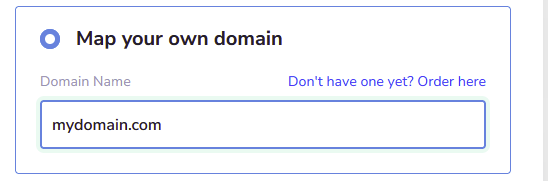
- Follow the provided instructions for setting the following. DNS Records, CNAME Records, Nameservers.
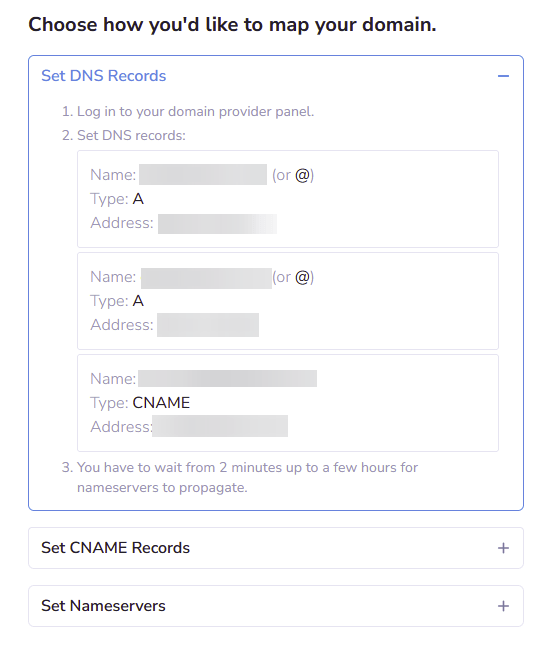
- Wait for the DNS changes to propagate
DNS Changes can take anywhere from 2 minutes up to a couple of hours to propegate to all of the name servers.