

How do I change the game mode on my Rust server?
Rust allows you to change the game mode of your server from vanilla to hardcore and softcore modes. These modes change how the game plays out and can make the game harder or easier than vanilla, depending on what you choose. Here’s how you can change them on your server.
Changing the Game Mode of Rust
Section titled “Changing the Game Mode of Rust”Using Blacksmith’s Portal
Section titled “Using Blacksmith’s Portal”- Go to the Blacksmith’s Portal
- Open
Startup - Look for
Gamemode - Change this option to the desired option
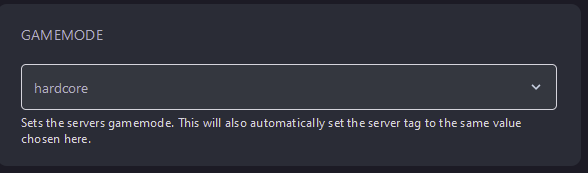
- Reboot your server
Self-Hosting/Other Providers
Section titled “Self-Hosting/Other Providers”- If you are self-hosting or using another provider, Rust configures many of it’s options through it’s startup command
- Locate where your Rust server is installed
- Edit the startup script for your server with the following line
+server.gamemode \"<gamemode>\"
- Save the script and reboot your server