

How Do I Connect to My Palworld Server
You can search for your server in Palworld’s multiplayer browser, but the most reliable way to join is with your server’s hostname and port. Below, we’ll show you how when using our Palworld server hosting.
- Open the panel
- Select your server
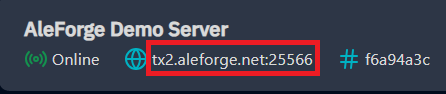
- On the console page, click the hostname and port to the right of the server status. Clicking will copy the hostname/ip and port.
- Launch PalWorld
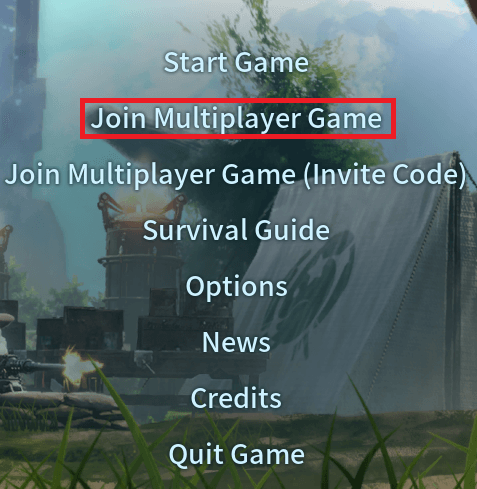
- On the main menu, click Join Multiplayer
- On the bottom of the Dedicated Server screen, paste in your hostname/IP and port
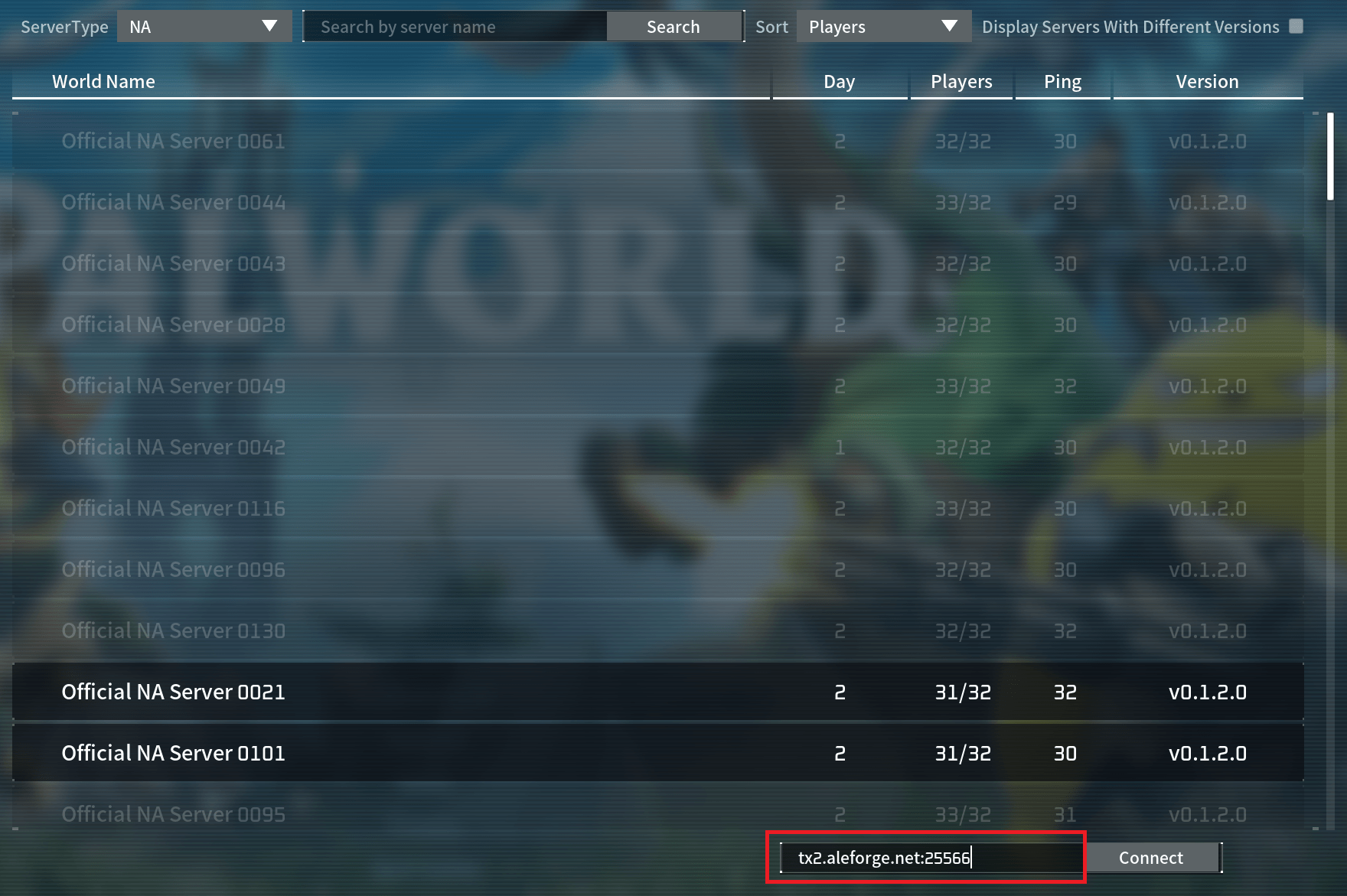
- Click Connect
- Enjoy your Palworld server