

How do I backup my Wordpress site?
AleForge automatically makes regular backups of directories on your Wordpress Site, and databases. However, it is useful to make a manual backup in case you will be modifying your website and want to be able to revert it to the previous state quickly and effectively. Here’s how you can make a manual backup.
Backing up your Wordpress Sitew
Section titled “Backing up your Wordpress Sitew”- Open the Wordpress Panel
- Select your Instance
- Click on
Backups

- Click
+ Add New

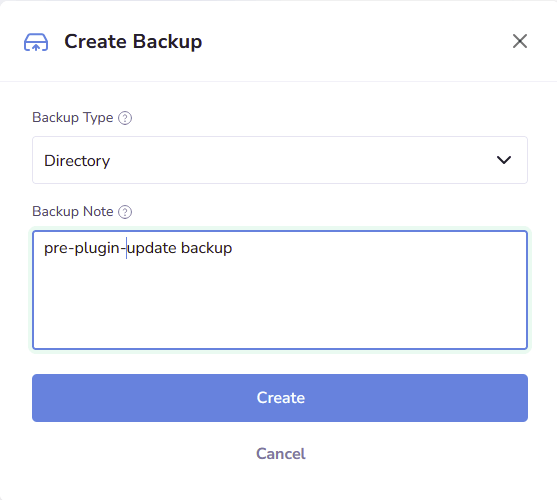
- From the form that appears, select the type of backup you would like to make, and optionally give a note as to what that backup is for
- Click
Create
Your Wordpress site will begin backing up.