

How do I use the pre-release build of Hytale?
Enabling the pre-release build
Section titled “Enabling the pre-release build”Using AleForge’s Blacksmith’s Portal
Section titled “Using AleForge’s Blacksmith’s Portal”- Open the Blacksmith’s Portal
- Go to
Startup - Change
Patchlinetopre-release
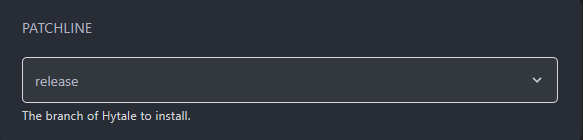
- Go to
Settingsand clickReinstall Server
Self-Hosting/Other Providers
Section titled “Self-Hosting/Other Providers”- Open your server’s installation directory
- Copy the
hytale-downloaderfile to a new directory. We’ll want to make a new directory specifically for the pre-release server - Open your new directory in a terminal window
- Run the following command to download the server files for the pre-release patchline
./hytale-downloader -patchline pre-release
You’ll now have a pre-release build of Hytale downloaded onto your server!