

How to switch Palworld server platforms
Palworld’s allows you to switch your server between the Steam version of Palworld, and the Xbox version of Palworld. Here’s how you can switch between platforms.
Switching Platforms
Section titled “Switching Platforms”- Go to the AleForge Panel
- Select your server
- Go to
Startup - Find
Connection Platformand change it to your desired value
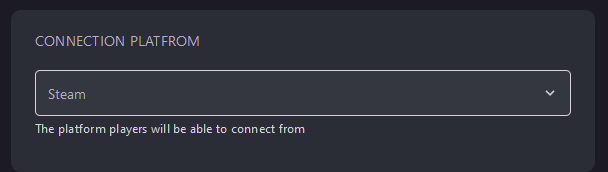
- Restart your server and your platform will have been changed