

How do I change the language on my FiveM server?
Changing the language on your FiveM server is easy! This guide walks you through updating the locale in server.cfg.
- Go to the AleForge Panel
- Stop your server
- Open
Files - Open
server.cfg - Change
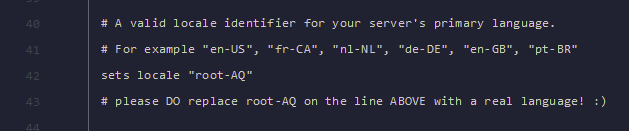
root-AQin the linesets locale "root-AQ"to set the language you want for your server
- Start your server and your language will appear