How to get a license for your FiveM server
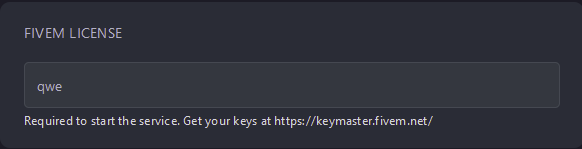
FiveM requires a license key in order for your server to launch. This guide will walk you through how to generate your access key and apply it to your server
Generating your License Key
Section titled “Generating your License Key”- Go to https://keymaster.fivem.net/ and sign in or create an account
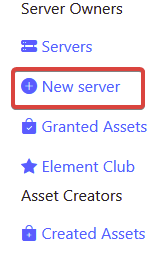
- Under
Server OwnersselectNew Server
- Give your server a display name, solve the captcha, and select
Generate - Under
DetailsselectCopy. This will copy your license key to your clipboard

Applying your License Key to your server
Section titled “Applying your License Key to your server”- Go to the AleForge Panel
- Go to
Startup - Paste your license key under
FiveM License