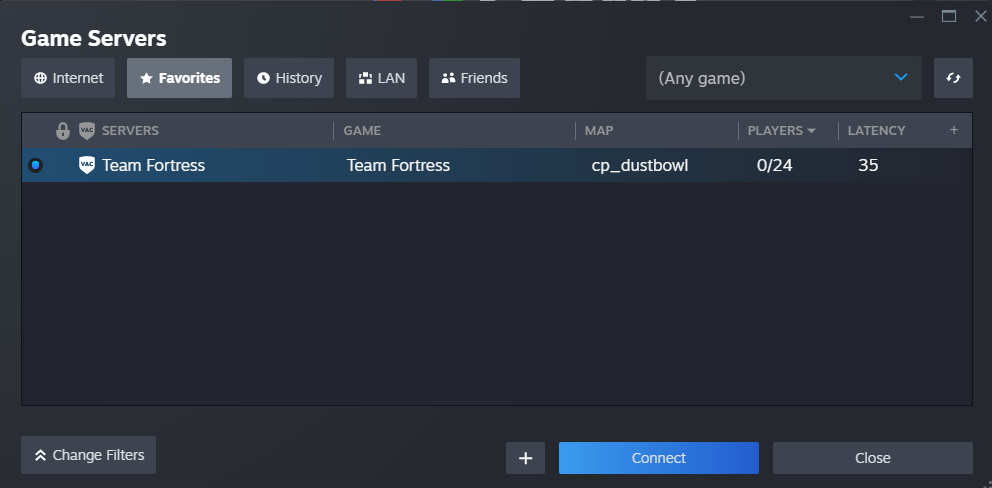
How to Connect to your Team Fortress 2 Server
How to Connect to Your Team Fortress 2 Server
Section titled “How to Connect to Your Team Fortress 2 Server”- Login to the AleForge control panel
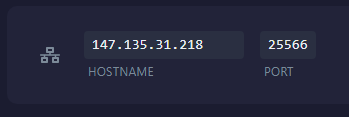
- Copy the
IP and Portfrom the Network tab of the Panel
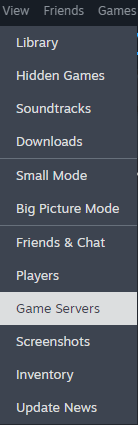
- In the Steam client, open the
View -> Game Servers
- Open the Favorites tab and click the + (plus) icon
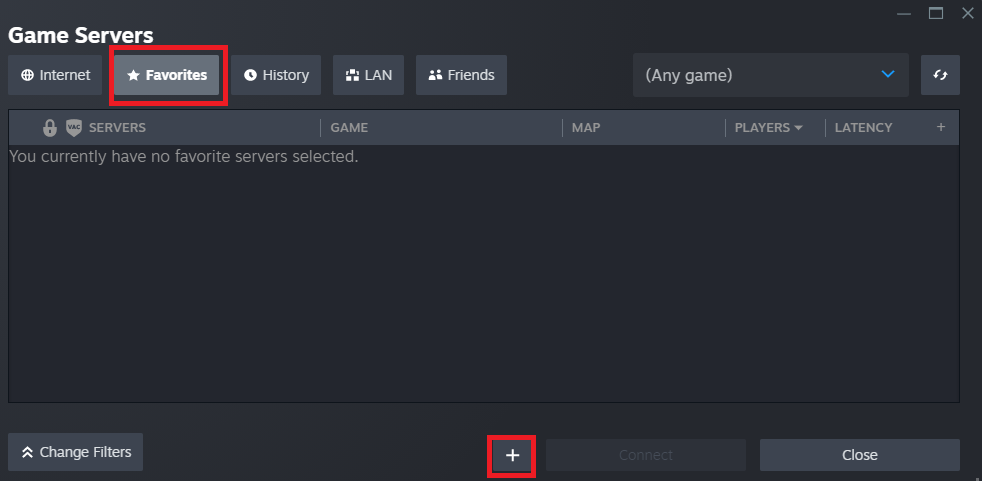
- Enter the server IP Address/Hostname and the port
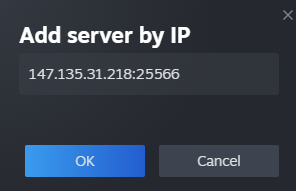
- Click OK to add the server
- Once added your server will show up and you can click the
Connectbutton